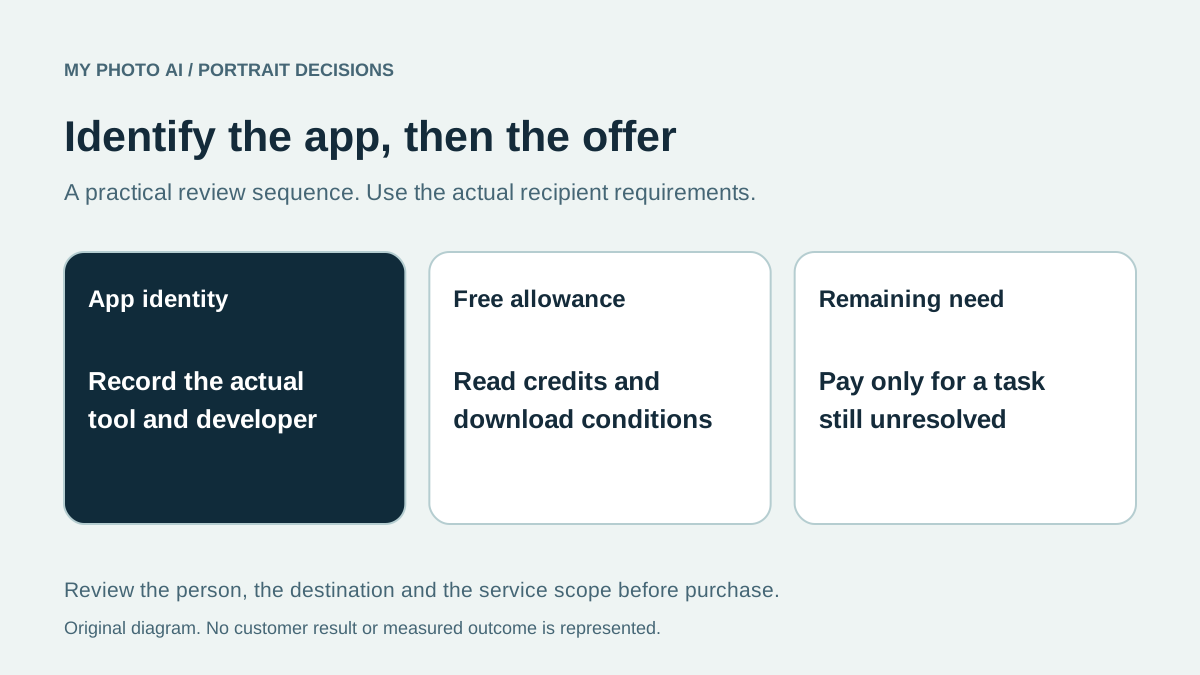
You do not need to assume a Canva Pro subscription is required just to explore Canva's advertised headshot generator. Canva's current feature page says it offers two free credits, with another free allowance after a 24-hour wait.1 Start with the actual app and credit conditions in your account before paying for a design plan or a separate headshot service.
This guide is published by MyPhotoAI from Canva's official page checked October 19, 2026. It is a public-offer comparison, not a report of a completed Canva generation. We have not uploaded a personal photo or tested the current editor's checkout.
Identify the app before comparing plans
Canva's published walkthrough points to Apps in the editor and a search for ProfilePhoto. It describes uploading a selfie, choosing the available options and generating a headshot.1 Use those as published instructions, then check what the current account actually displays.
Write down the app name, developer, included credits and download conditions. If a search takes you to a different app, do not carry the ProfilePhoto allowance over automatically. The name Canva in a search result does not tell you which exact tool or offer is open.
Do not infer a Pro-only requirement or a fixed output limit from a generic tutorial. Verify the selected tool's current conditions and actual export in your account.
Separate a free generation from a paid edit
| Task | What to check | When a purchase may be unnecessary |
|---|---|---|
| Try the advertised headshot route | Current credits and download conditions | The free result fits the requirement |
| Keep an existing portrait and refine presentation | Exact editing feature and plan | The original photo already works |
| Generate a separate MyPhotoAI portrait set | One-shoot HD-photo allowance | A Canva result or existing photo is sufficient |
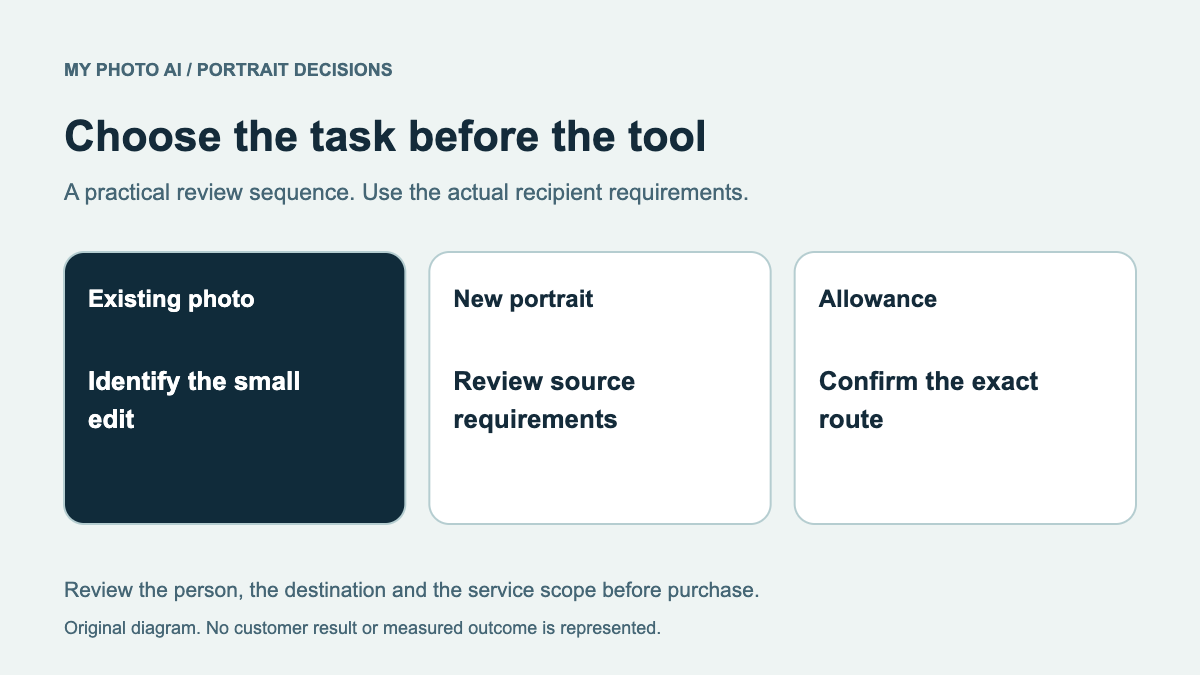
Canva's page describes a limited free allowance, not unlimited generation.1 It also mentions further editing tools. Check the chosen editing action separately instead of assuming every step in a design workflow shares the same free conditions. No universal paid Canva headshot-package total is established here.
Inspect before spending more
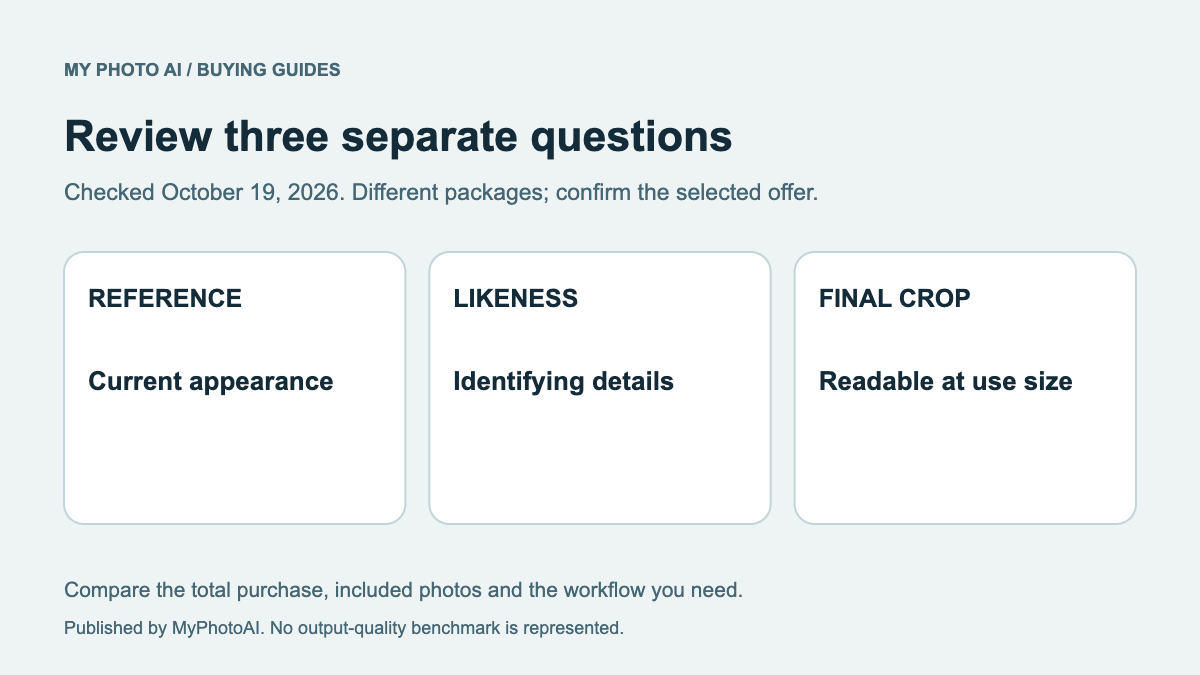
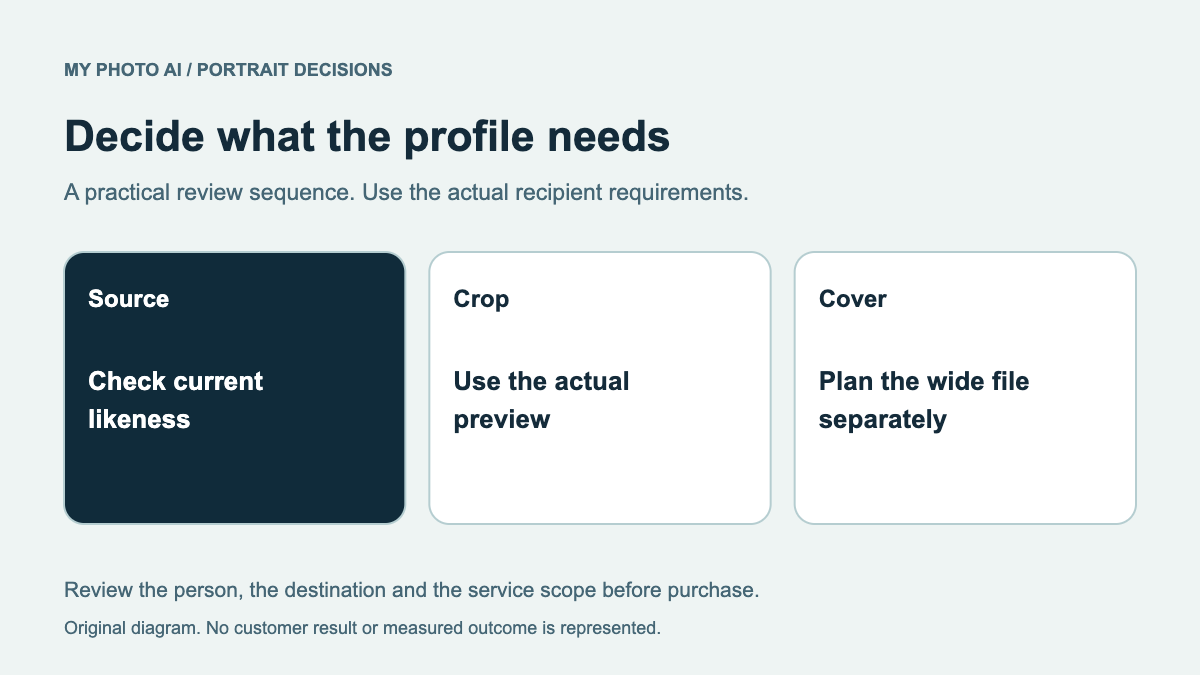
Compare the actual result with a recent recognizable photo of yourself. Check eyes, teeth, hair, identifying details and clothing before choosing a style. Then test the intended crop. A result that looks attractive at preview size may still need inspection at the size it will appear.
The likeness review gives a practical checklist. The LinkedIn example guide helps with the destination decision. Neither a free nor a paid label proves that a specific portrait meets a recipient's requirements.
When a separate MyPhotoAI shoot fits
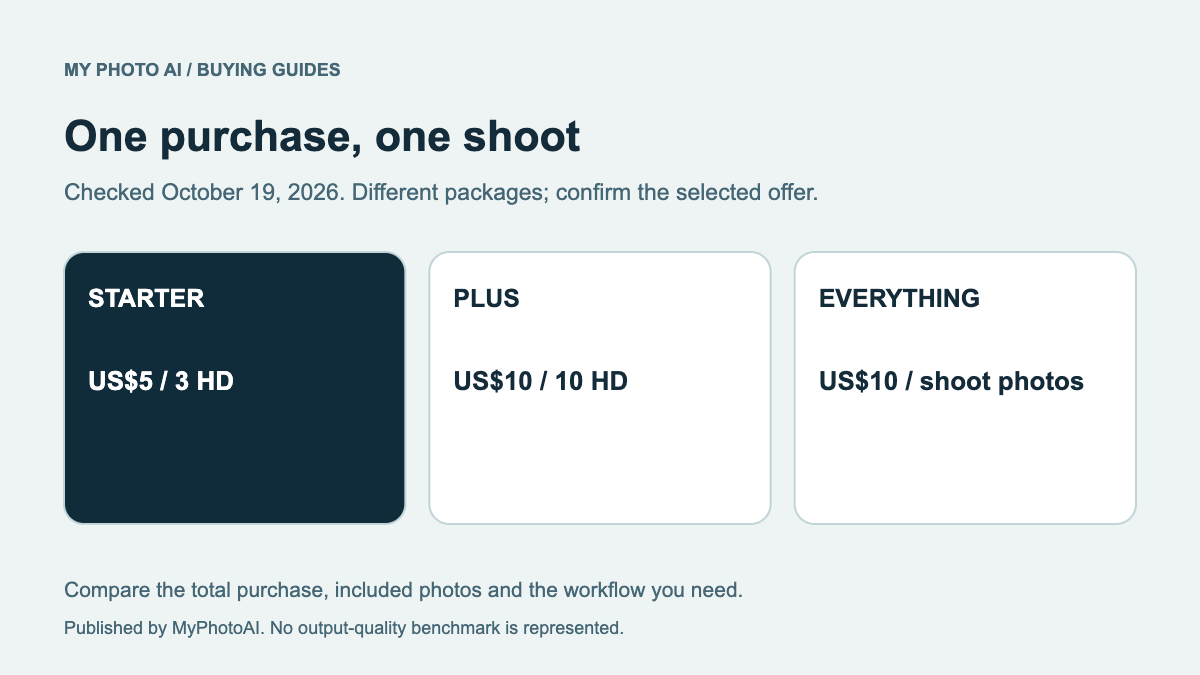
MyPhotoAI's current US offer is US$5 for 3 HD photos, US$10 for 10 or US$10 for all photos from one shoot.2 Payment comes before personalized generation. There is no subscription in that offer; a later shoot is another purchase. Public sample looks are not a free personalized run.
Choose that route only if the available looks and included downloads address a requirement your current portrait or Canva result does not meet. This comparison does not claim that paying makes a face more accurate or that MyPhotoAI has won a matched-output test.
Download the app-and-credit checklist. Record the exact app, credit allowance, export conditions and remaining task. If the free route delivers a suitable file, use it. If you need a separate shoot, compare the actual scope before paying.