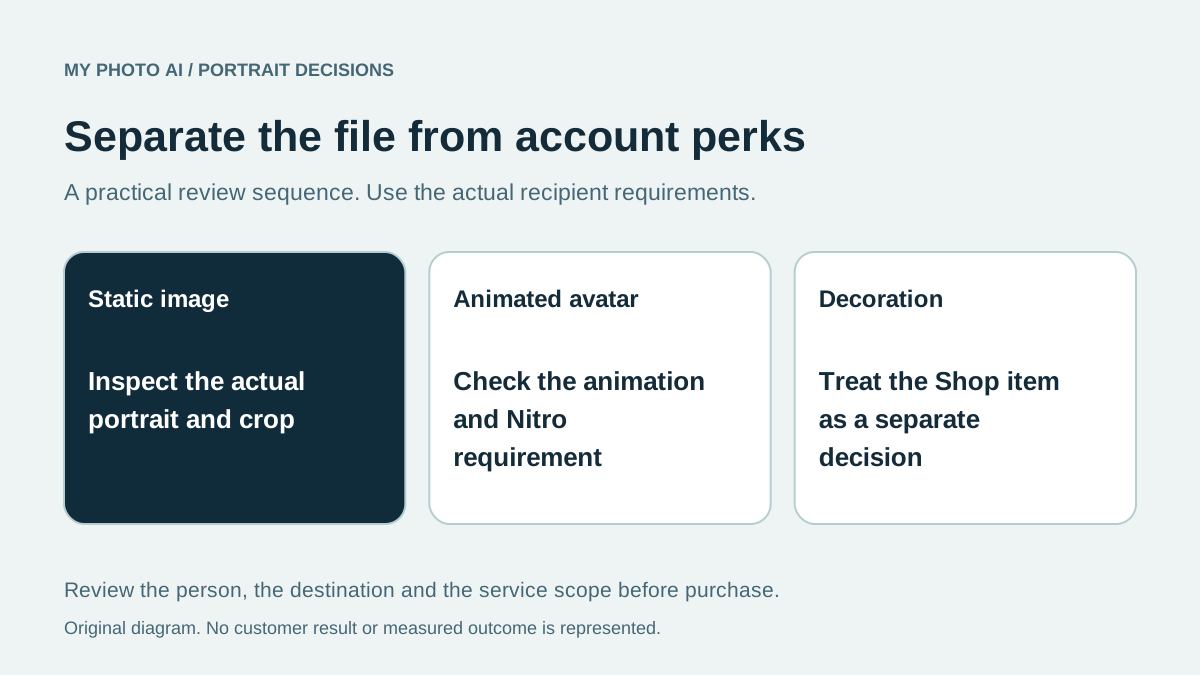
A Discord profile-picture purchase can mean several different things: a static portrait file, an animated avatar, a decoration around the avatar or a different identity for individual servers. Write down which one you want before buying an image package.
Discord's current profile documentation separates these features, and its decoration guide describes a separate Shop collection.12 A paid portrait purchase is not a Discord entitlement. It cannot by itself unlock a platform feature associated with your account.
This guide is published by MyPhotoAI from official instructions checked October 19, 2026. We have not tested an upload, purchased Nitro or measured how a particular avatar performs in a community.
Separate the image from the platform feature
| Desired result | Requirement to establish before paying |
|---|---|
| A new static avatar | A suitable image file and usable crop |
| An animated avatar | The actual animation file and applicable Nitro access |
| An avatar decoration | The selected decoration's availability and its separate purchase or access terms |
| Different per-server profiles | The applicable Nitro feature and which profile you are editing |
Discord documents animated avatar uploads and per-server profiles as Nitro features. Its profile guide lists PNG and GIF for avatar uploads.1 Do not borrow a general message-attachment limit or a banner size and present it as the avatar's file ceiling.
Decorations are separate items found in the Shop, not something a portrait generator includes automatically.2 Decide whether you want the face image to change at all before paying for a new one.
Test a static candidate before commissioning motion
Try a recognizable current photo or an original image you already have permission to use. Inspect the actual avatar crop and the small display in the places you use. A clear large portrait can lose important details after cropping or shrinking.
If you want motion, brief that as a separate output. Specify the intended movement and review the animation rather than assuming that changing a filename will animate a still photograph. This guide does not promise that MyPhotoAI's compared photo allowance supplies an animated Discord asset.
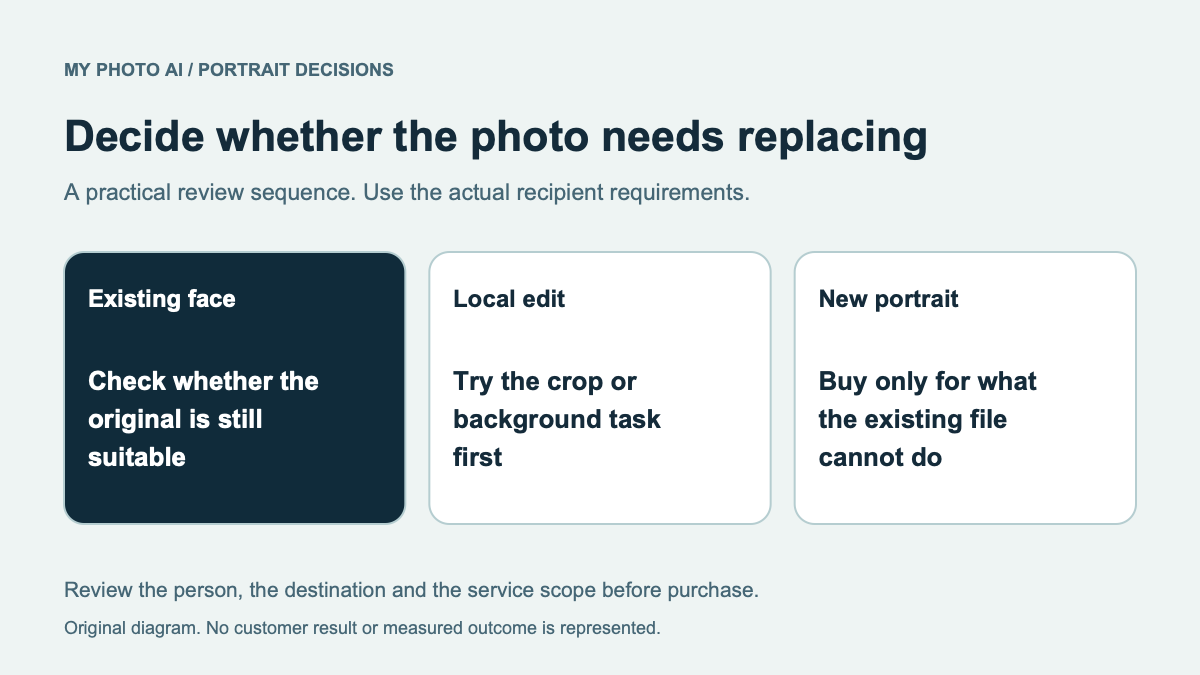
When the source only needs a crop or background adjustment, an editor may be enough. The ProfilePicture.AI guide separates an existing-photo editing route from a paid portrait purchase.
Keep identity and community rules in the decision
Choose a face, illustration or original character that represents the identity you intend to use. Check the rules of the service and community before publication. A style being available in a generator is not proof that a server or moderator will accept its use.
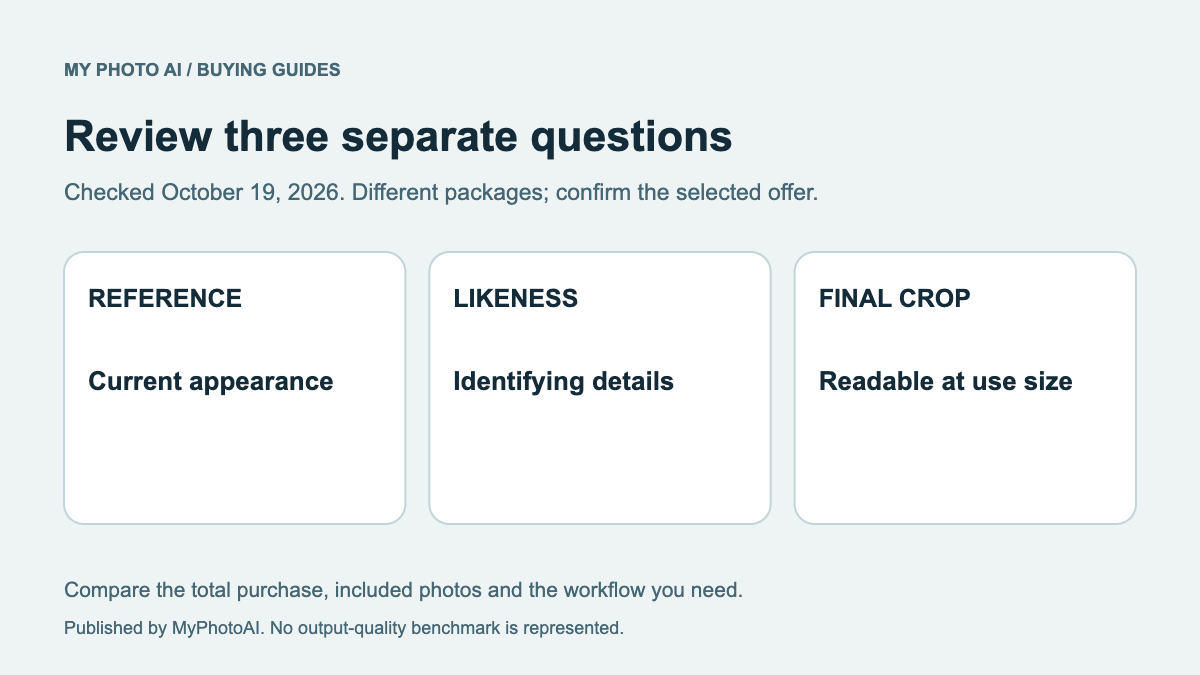
For a portrait of you, check recognizable features against a recent photograph, then inspect hair, glasses, clothing and the surrounding crop. Do not accept an inaccurate face merely because it looks polished. Our likeness review gives a repeatable inspection order.
If the same source can serve several profiles, decide which exports are needed rather than equating every crop with a new portrait. Preserve the original file for future changes.
Compare the photo purchase on its own terms
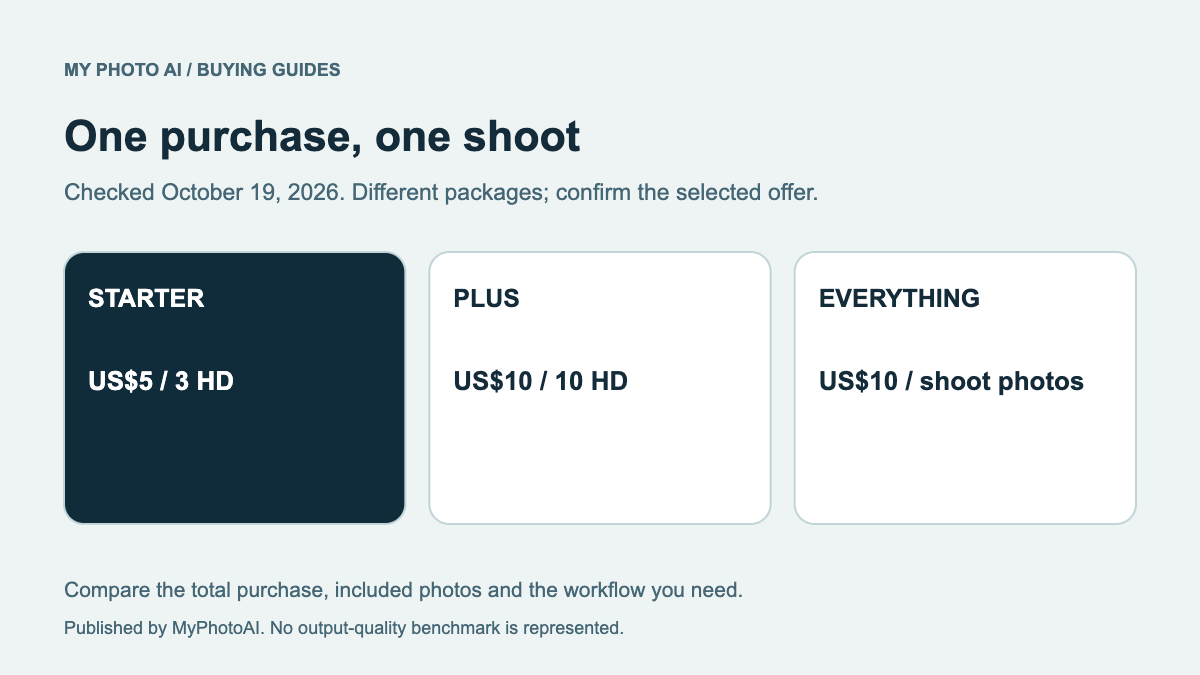
MyPhotoAI's current US Starter offer includes 3 HD photos for US$5. Plus includes 10 for US$10; Everything includes all photos from one shoot for US$10.3 Personalized generation begins after payment. There is no subscription in that offer, and another shoot requires another purchase.
Those allowances do not include Nitro, Shop decorations, a server subscription or account verification. Browse the current sample looks and budget for the specific image task rather than for a platform perk the purchase does not supply.
Download the Discord purchase worksheet. Identify the static file, animation, decoration or account feature first, then check each requirement separately before spending.