An AI headshot for business cards needs to work at the size the face will actually be printed. The card's total dimensions, a provider's HD label and a file's DPI setting are not enough to establish that. Start with the chosen printer's template and the headshot placement inside it.
You may not need a new portrait at all. A recognizable existing photograph can work if its crop has sufficient detail and fits the design. A new shoot becomes useful when the existing image fails those checks, not simply because the card is being redesigned.
Keep the portrait file separate from the card artwork
The portrait is one ingredient. The finished card also contains contact details, logos and other layout elements. Add those in the design tool rather than asking a portrait generator to reproduce accurate lettering or a company mark.
VistaPrint's file-preparation guide recommends using the chosen product template for trim, bleed and safety, and preparing raster images at 300 DPI at final print size.1 Treat that as guidance for its print workflow. Your selected printer or product may specify a different setup.
| Part of the handoff | Check | Common mismatch |
|---|---|---|
| Portrait source | Original pixels and usable crop | Judging the uncropped file instead of the face placement |
| Card template | Exact product, trim, bleed and safe area | Mixing a generic card example with a different printer's template |
| Finished artwork | Text, logo and image placement | Putting essential details into the trim-risk area |
| Proof | Portrait detail and readable contact information | Checking only a large on-screen preview |
Calculate the placement, not the whole card
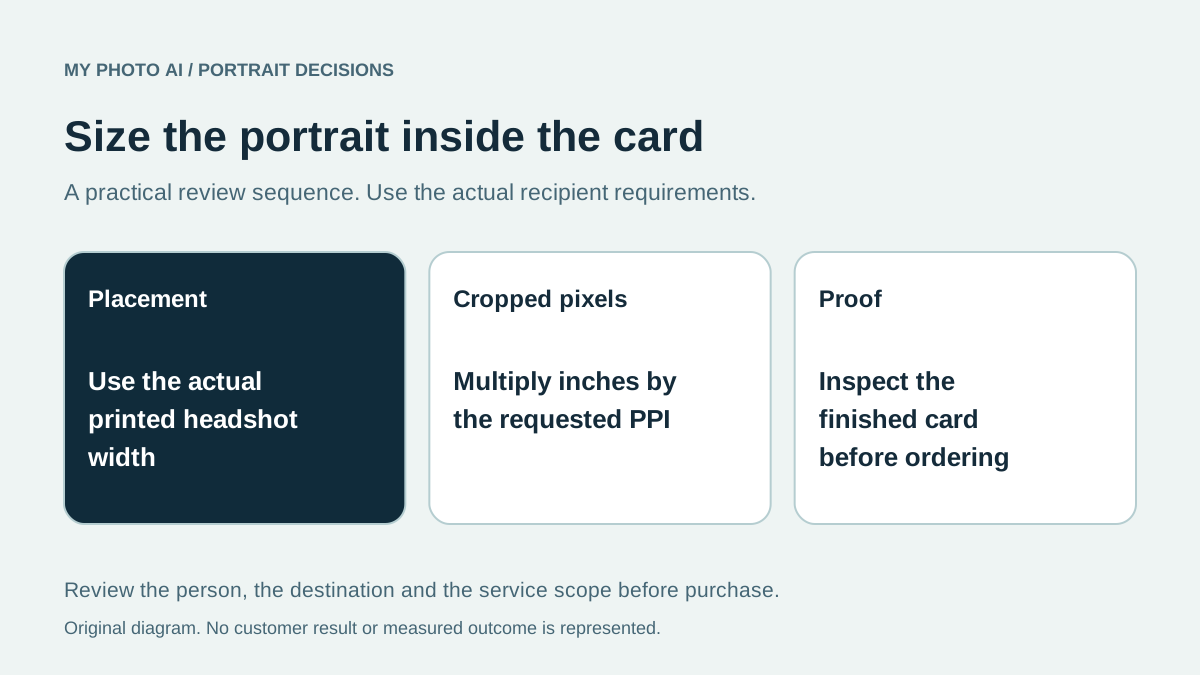
Use this formula: printed portrait width in inches multiplied by the printer's requested pixels per inch equals the required cropped width in pixels.
For an original worked example, a portrait placed 1.5 inches wide at 300 pixels per inch needs 450 cropped pixels across. If your source is 900 pixels wide but half is discarded to get the intended face framing, the useful width is 450 pixels. The original file's width alone would overstate the remaining detail.
This calculation checks sampling, not whether the face is sharp or recognizable. It also does not justify enlarging a blurred or badly generated image. Inspect the eyes, hair and clothing as well as the file properties.
Changing a resolution label does not add genuine image detail. VistaPrint makes that distinction in its design-tool guidance.2 If a crop lacks detail, use a better original, reduce the portrait placement or discuss the proof with the printer.
Use the selected template without mixing examples
VistaPrint's file-preparation article includes a generic bleed example as well as its own standard-card guide.1 Those numbers are not interchangeable. Download the actual template attached to your selected product and use its marked boundaries.
Keep important face details away from trim-risk edges, particularly if the portrait runs to the side of the card. Leave the bleed area as required by the template. Check the final exported artwork rather than assuming a correct design-tool canvas produced the right PDF.
For other placements from the same source, use the website bio crop guide. A square profile crop does not have to be the crop used on a narrow card layout.
Decide whether a new session earns its place
Reuse an existing image when it looks like you and survives the intended print crop. Consider a photographed session when you need a specific pose or clothing captured directly. Consider an AI shoot when its current examples fit your design brief and you can inspect the actual candidates and saved file before ordering print.
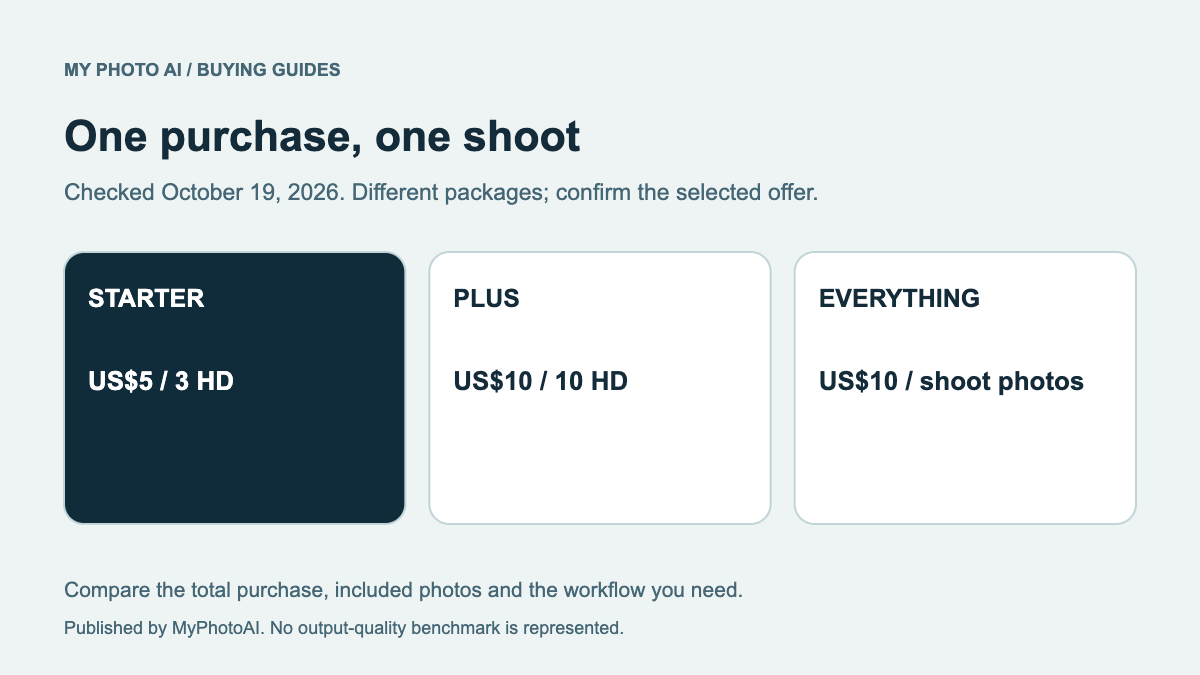
MyPhotoAI's current US Starter offer includes 3 HD photos for US$5. Plus includes 10 for US$10, and Everything includes all photos from one shoot for US$10.3 Payment precedes personalized generation. There is no subscription in that offer; another shoot requires another purchase. Do not infer a fixed printable face size from the plan name.
Download the card-print handoff worksheet. Record the template, final portrait placement, remaining cropped pixels and proof decision before buying a replacement or ordering a print run.
Sources
- 1Prepare business card print filesVistaPrint
- 2Business card design tools and print resolutionVistaPrint
- 3MyPhotoAI pricingMyPhotoAI