
If the photo already looks like you and the problem is a stray hair or exposure, start with an edit. If the pose, clothing, framing, or setting is wrong, creating a new portrait may be more useful. These are different jobs, even though both can involve AI.
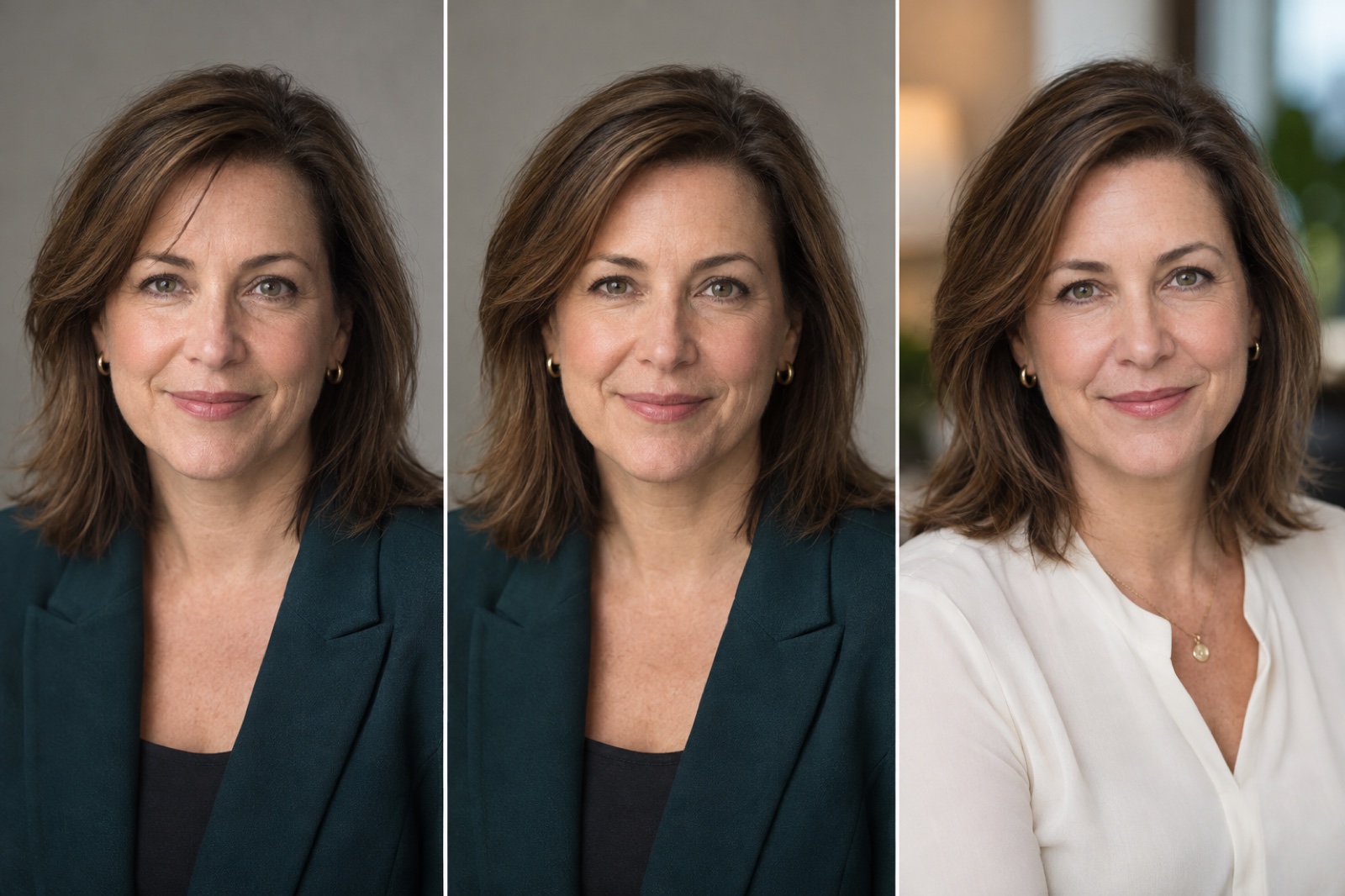
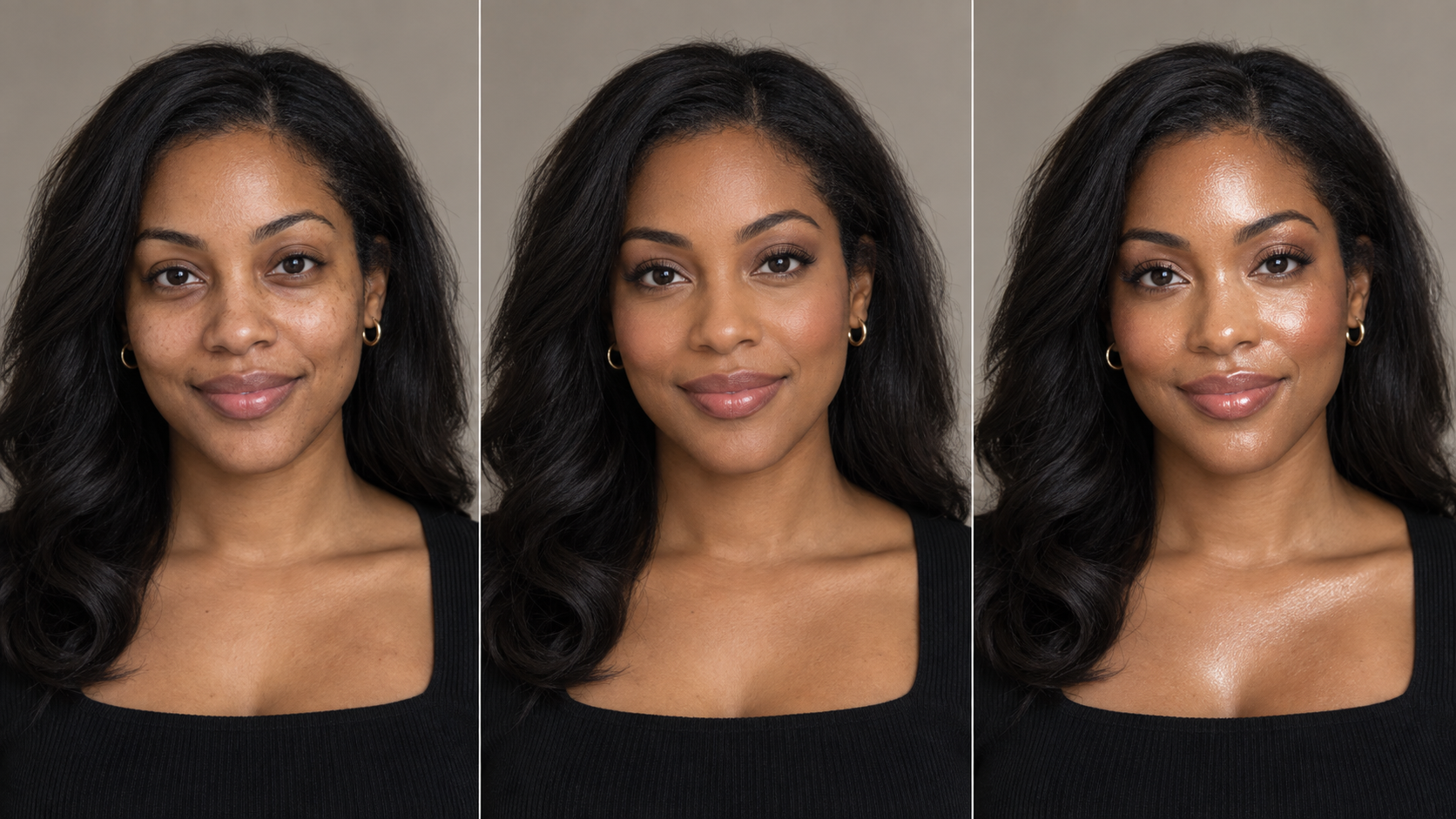
The paired portraits above illustrate the difference in scope. They are not a measured before-and-after test of MyPhotoAI or Photoshop. Use the checks below on your own source photo and final image.
Name the change you want
Write the request in one sentence. “Brighten the face without changing skin texture” is an edit. “Put me in a different outfit in a studio” asks for a new scene. The more elements you replace, the less useful it is to describe the result as a simple retouch.
| Starting problem | First route to consider | What to inspect |
|---|---|---|
| Minor blemish, flyaway hair, or uneven exposure | Retouch the existing photo | Skin texture and edges remain believable |
| Distracting object or background | Edit or replace the background | Hair, glasses, and shadows match the new scene |
| Face is blurry or too small | Return to the original or take another photo | Added pixels have not invented detail |
| Wrong pose, attire, or location | Capture or generate a new portrait | Likeness and any claim implied by the scene |
| Organization requires a documentary photo | Capture a new photograph | Its rules allow the chosen editing level |
The table is a starting point, not a quality score. The organization receiving a photo may have its own editing or authenticity rules.
Retouching has a boundary
An edit can improve tone, crop, and small distractions while preserving the original pose and most of the captured information. AI can be used for a local edit too: Adobe's current Photoshop guide describes selecting an area and using Generative Fill to change it.1 The useful distinction is the scope of the change, not whether AI was involved. Keep the unedited file. Compare the two at equal size so a polished export does not hide a changed jaw, altered eye shape, or a blurred patch where texture used to be.
Background replacement sits near the boundary. A clean cutout is only one part of a convincing result. The new background must work with the subject's light direction, depth, and edge detail. If the face and background look as though they belong to different images, choose another edit or start again.
Generation is a new image decision
A generated headshot can explore clothing, lighting, and settings that the source photo never captured. That flexibility is useful when you need several visual options. Check the current Help page for the input photo requirements. It also creates a new likeness review: check facial proportions, hair, glasses, hands if visible, and any workplace or professional cue the image implies. MyPhotoAI's terms say generated output can contain errors and put the suitability check with the user.2
Do not describe a generated office scene as a photograph taken at that office. If a portrait will be used for press, applications, or a regulated purpose, ask the recipient what alterations it accepts. An honest description of the image is more useful than trying to guess the boundary after publication.

Compare both routes fairly
Use a consent-cleared source photo. Make one restrained retouch and one generated alternative aimed at the same destination. Keep their final crops and pixel dimensions the same. The headshot size guide gives export checks for common uses. Ask the subject to judge likeness before asking which looks more polished. Record the edit instructions, generation settings, time spent, and any failures.
One pair will illustrate a choice, not establish that one method is always superior. If the source photo is already strong, the edit has an advantage. If the brief requires a different scene, the generated option answers a different request. Explain that difference beside the images rather than treating the pair as a blind contest.
A practical rule
Keep a photo when it already represents the person and the requested change is local. Make a new image when the brief changes the scene. In either case, show the result to the person pictured and check it at the actual display size before using it.


