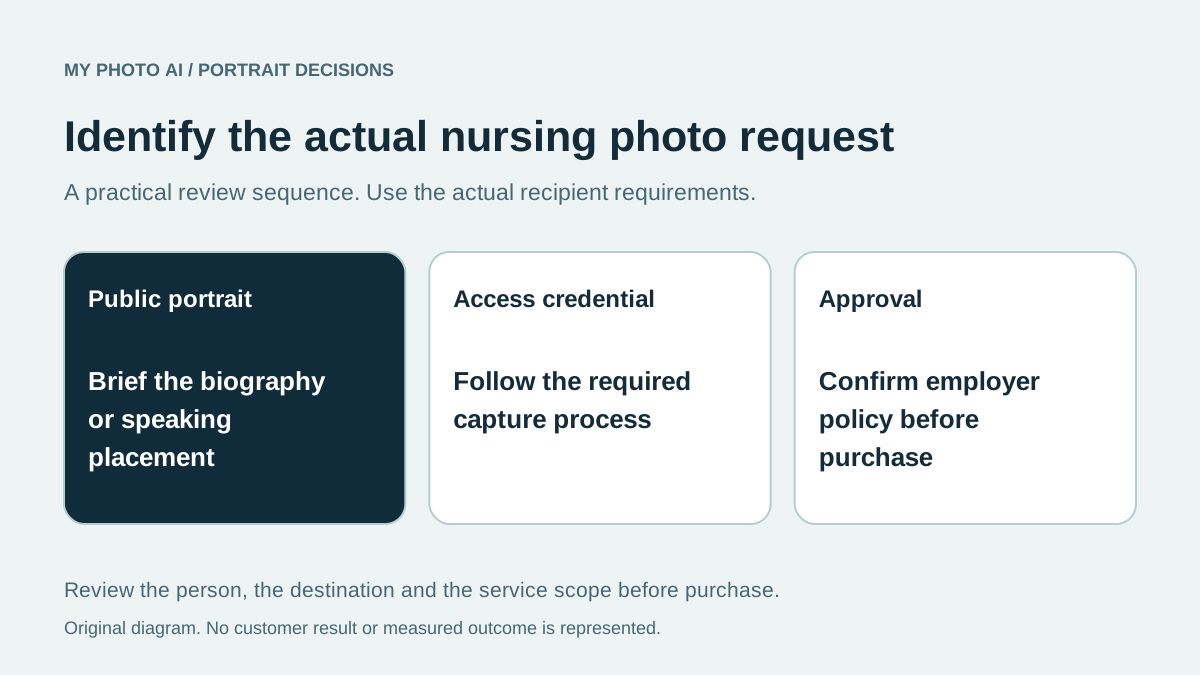
Before paying for nurse headshots, ask where the image will appear. An employer biography, conference introduction and access credential are different requests. A polished portrait can be useful for a public profile without meeting the rules for an identification system.
Ask the person collecting the image for the current brief. Do they need an actual newly taken photograph, a particular uniform or an approved background? Is the organization arranging photographs already? Buying a separate service before answering these questions can duplicate work.
We publish MyPhotoAI. This is a purchase-planning guide, not a claim that a hospital accepts generated portraits. The American Nurses Association's social-media principles emphasize professionalism, appropriate audiences and following employer policy.1 They do not establish a universal nursing headshot outfit or approval for an AI image.
Identify which request you have
| Destination | Establish before purchasing | Likely missing work |
|---|---|---|
| Public staff biography | Employer's image and editing policy | An approved portrait and export |
| Internal access or ID system | Capture and identity-verification instructions | The required photographic process |
| Conference speaker page | Organizer's crop, file and deadline | A suitable publicity file |
| Personal professional profile | Current recognizable appearance and intended crop | A crop, edit or replacement portrait |
Do not treat the last row as permission for the first two. A personal account and a workplace system can have different requirements even when both show the same person.
Set the wardrobe from the actual destination
Use the employer's instructions and your real role rather than a supposed profession-wide rule about scrubs or blazers. Bring a current example of the intended staff-page layout to a photographer. For generated options, inspect the available sample looks before deciding whether they fit that brief.
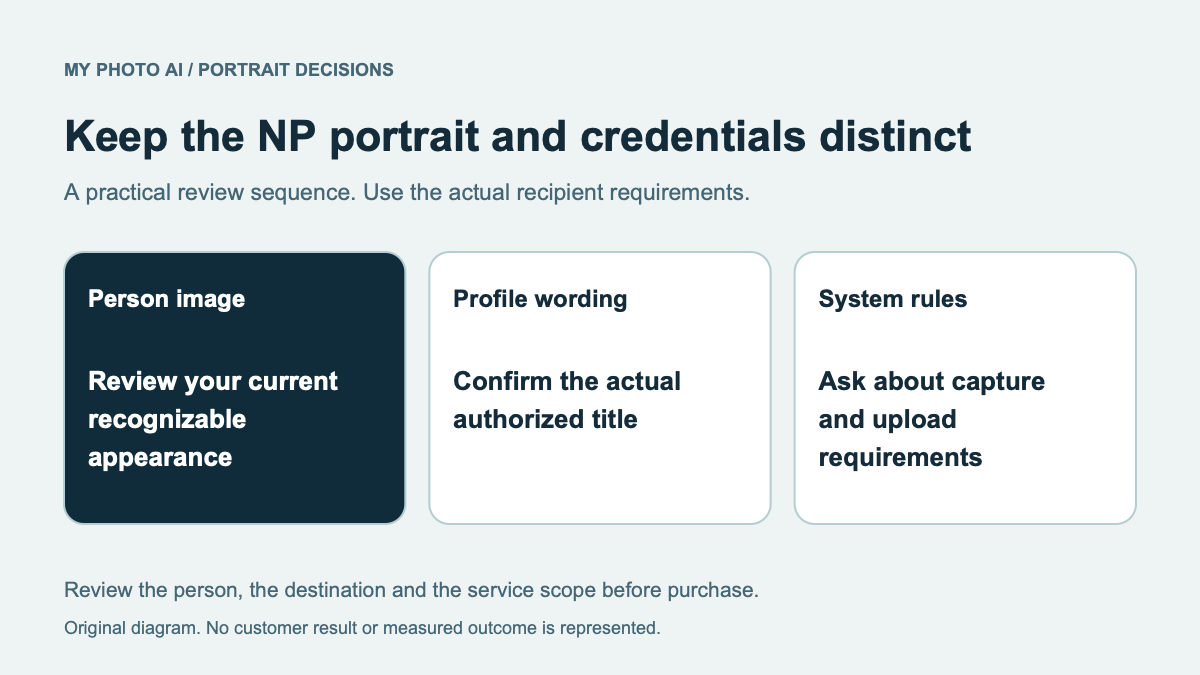
Check any badge, name, embroidery, device or logo in a candidate. Generated lettering can be wrong, and a convincing uniform can imply an employer or qualification that is not yours. Keep accurate credentials in the approved text fields rather than relying on invented details inside the image.
Consider two versions only when there are two genuine uses. An employer portrait and a speaking portrait might share one source with different crops. They do not automatically require two paid shoots.
Keep source photographs separate from clinical work
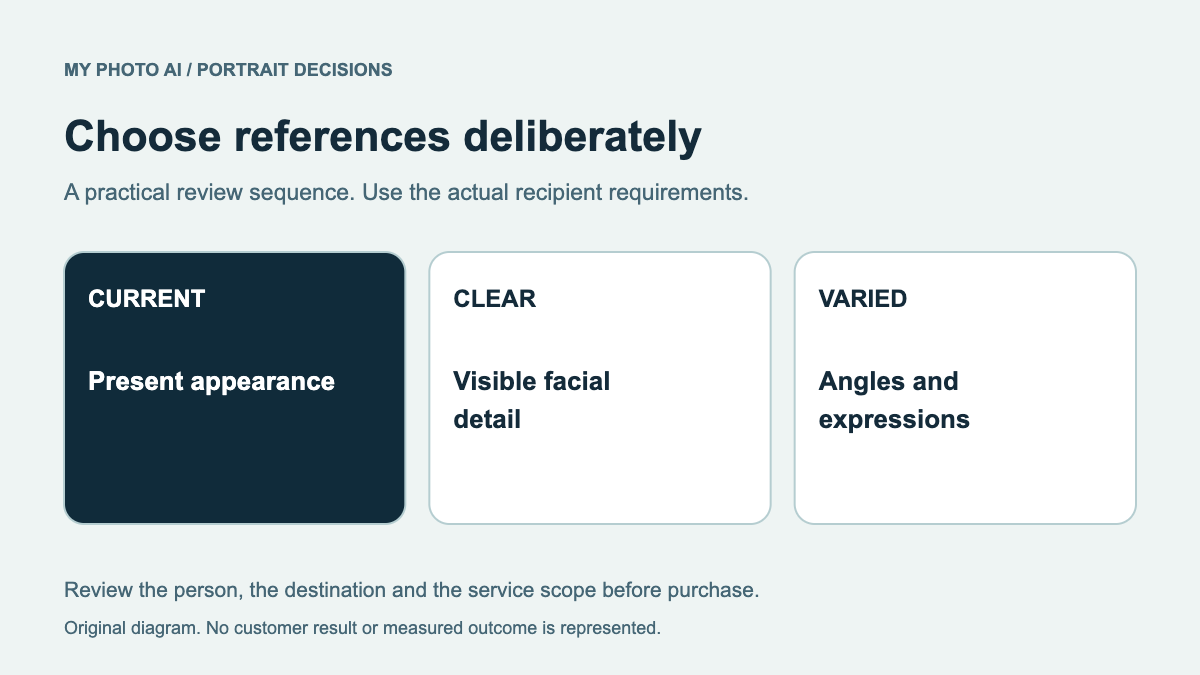
Choose references containing only you, with no patients, visitors, patient boards or clinical documents. Do not upload a workplace image simply because your own face is clear. ANA cautions against inappropriate patient photographs and advises knowing employer policy.1
Take a fresh personal reference in a suitable private location if existing work pictures contain other people's information. Cropping a small visible detail does not establish that the remaining file is approved for an external service. The input-photo guide explains how to choose useful face references without making broad privacy promises.
Compare a crop, a real session and an AI shoot
If an existing photograph already fits the brief, start with its original file and test the required crop. Choose a photographed session when actual uniform detail, an employer-controlled capture or a real workplace setting is essential. A generated scene cannot document that you work in the place it depicts.
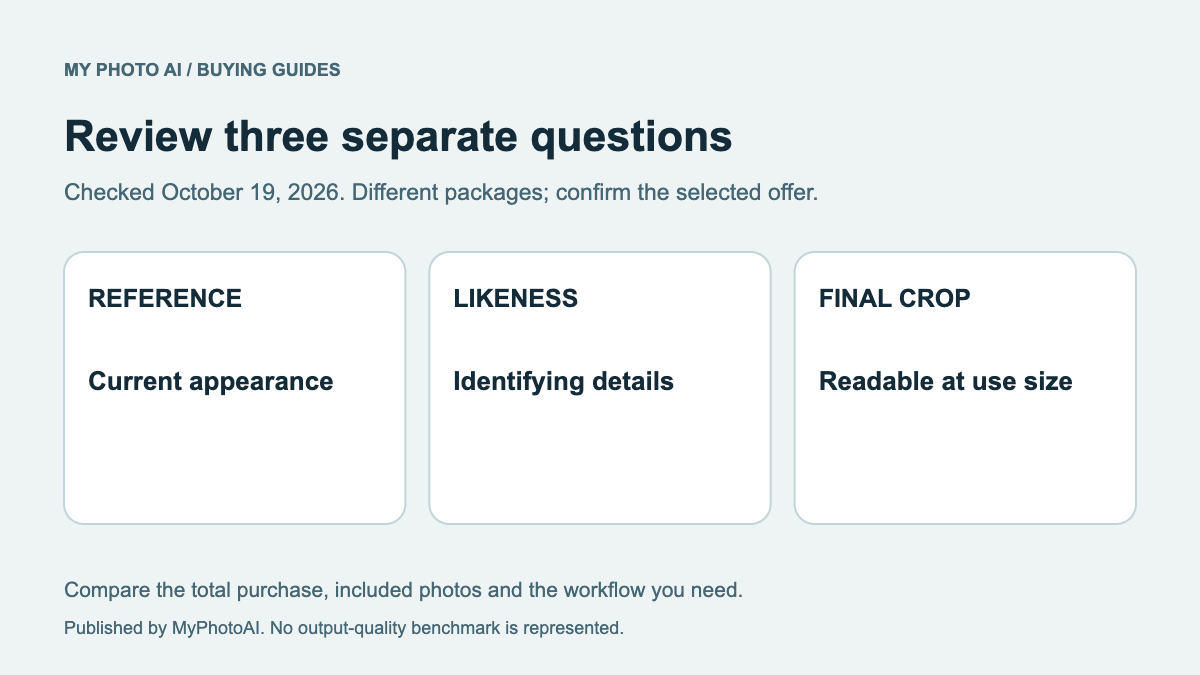
An AI portrait purchase is a separate option when the destination permits it and you can review the result. Compare the face, hair, glasses and expression with your current appearance before choosing a flattering background. Use the likeness review and retain a suitable real-photo alternative.
Buy only the missing portrait scope
MyPhotoAI's current US Starter offer includes 3 HD photos for US$5. Plus includes 10 for US$10; Everything includes all photos from one shoot for US$10.2 Personalized generation starts after payment. There is no subscription in this offer, and another shoot requires another purchase.
That allowance is not employer approval, ID verification or a guaranteed uniform reproduction. Generation can take over an hour, with selection and employer review afterward. Download the nursing portrait brief and confirm the destination before buying.
Sources
- 1Social-media principles: audiences, professionalism and employer policyAmerican Nurses Association
- 2MyPhotoAI pricingMyPhotoAI