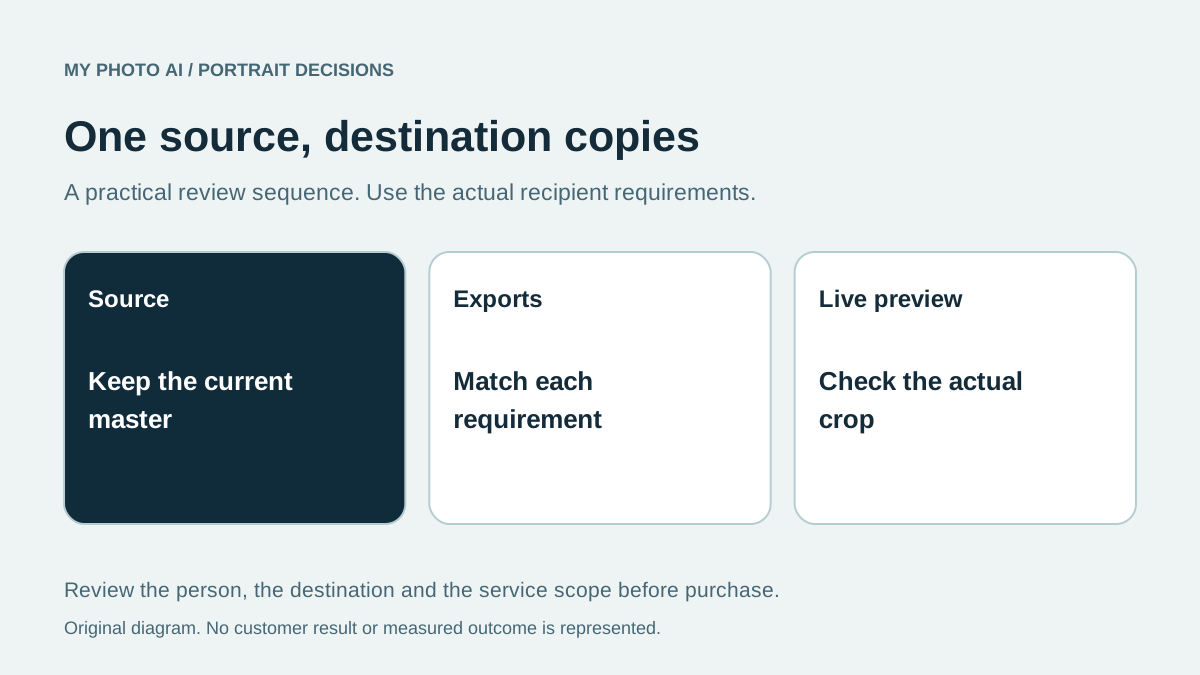
You do not necessarily need separate photo sessions for Slack, Zoom and LinkedIn. One current portrait can serve all three if the source has enough detail and framing room, you have the necessary usage rights and each destination permits that image. Review those conditions before buying several portraits for what may be an export problem.
Keep the full source file and make separate delivery copies when needed. Do not repeatedly crop and compress your only master. The aim is consistent current likeness with a crop that works in each destination, not identical visible edges across every app.
Check the destination before the package
| Destination | Current official guidance checked | Practical purchase implication |
|---|---|---|
| Slack | Square image from 512 to 1024 pixels per side, with framing adjustment | Keep enough source detail for a square export |
| Zoom | JPG/JPEG, GIF or PNG below 2 MB, with crop adjustment | Check export format and compressed file size |
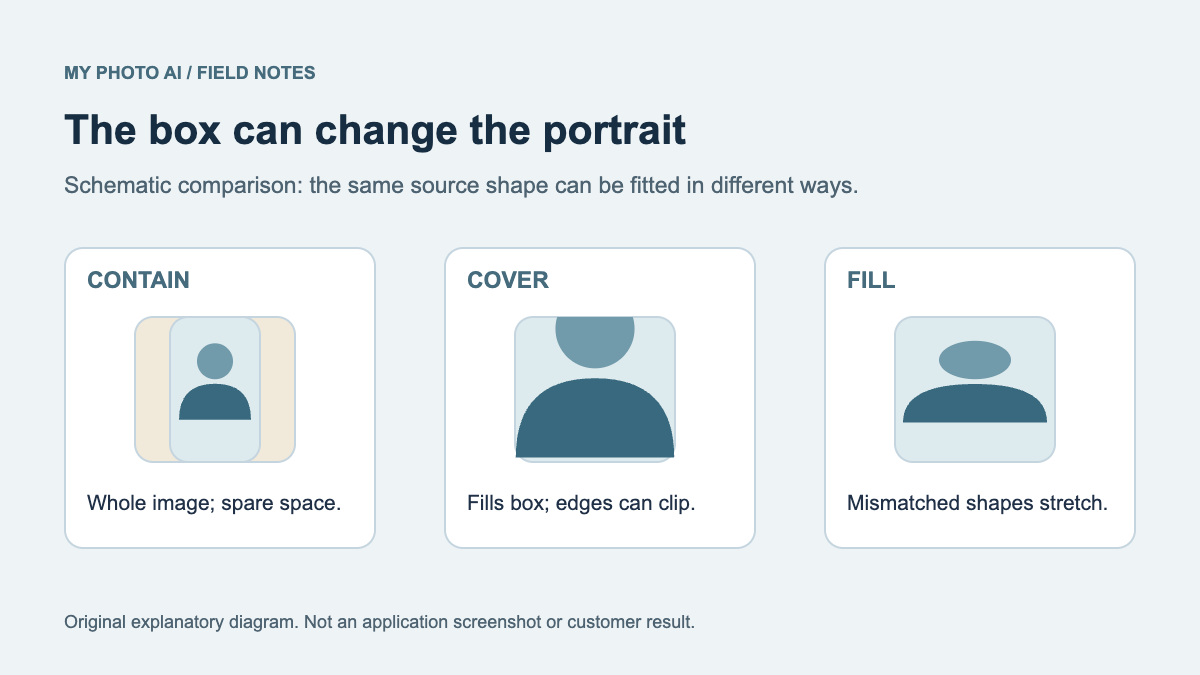
| Crop, reposition and resize after upload | Leave room to adjust the face inside the actual profile |
The sources are Slack's profile-photo help, Zoom's profile-picture guide and LinkedIn's editing instructions, reviewed October 19, 2026.1 2 3 These are destination requirements and controls, not an independent test of how the same photograph renders in every version of the apps.
Decide whether the source is already adequate
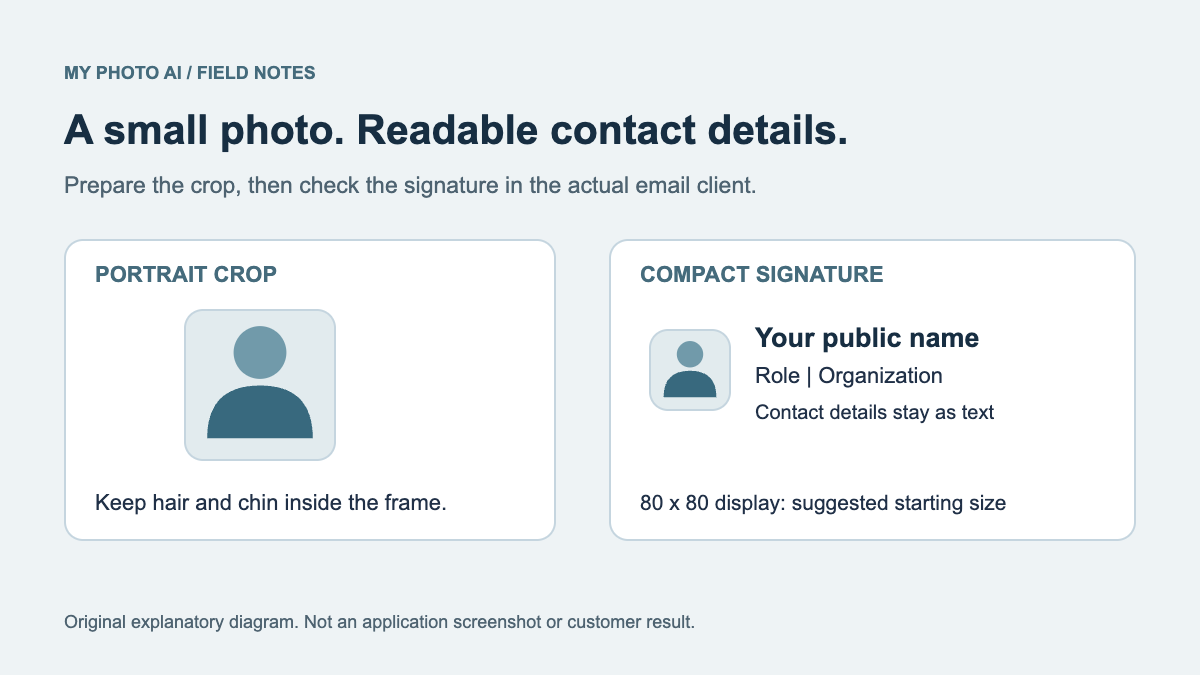
Open your existing portrait at its original size. If it is sharp, current and has room around the head, start by making a square copy and checking the actual previews. A tightly cropped image may still work, but try it before assuming a new session is necessary.
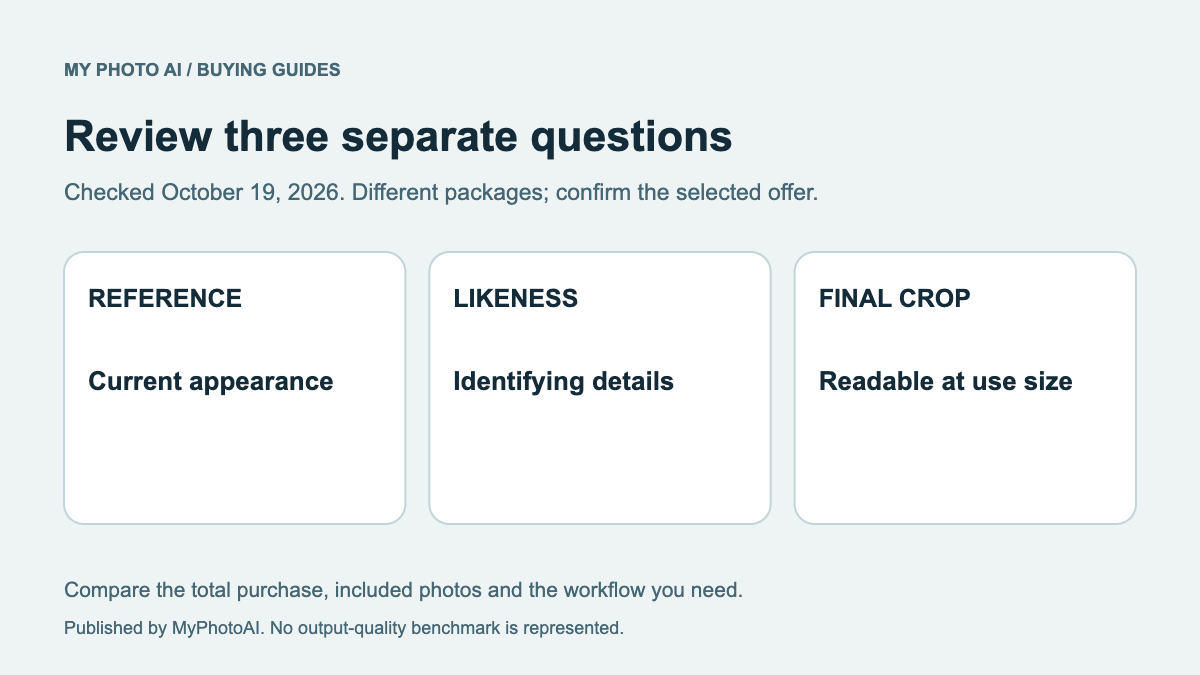
If the face is genuinely too small or blurred in the source, a larger export will not restore missing detail. If the appearance is outdated, a crop will not make it current. Those are reasons to consider a new source portrait, rather than paying for a different file extension alone.
The website crop guide covers a different destination with its own frame. Keep the profile-photo brief separate from a wide website banner if both are needed.
Price images and exports separately
When booking a photographer, specify the finished source portraits and the destination copies. Ask whether the price includes those exports and what rights cover workplace and public professional use. One retouched portrait with three export crops is not the same deliverable as three different finished portraits.
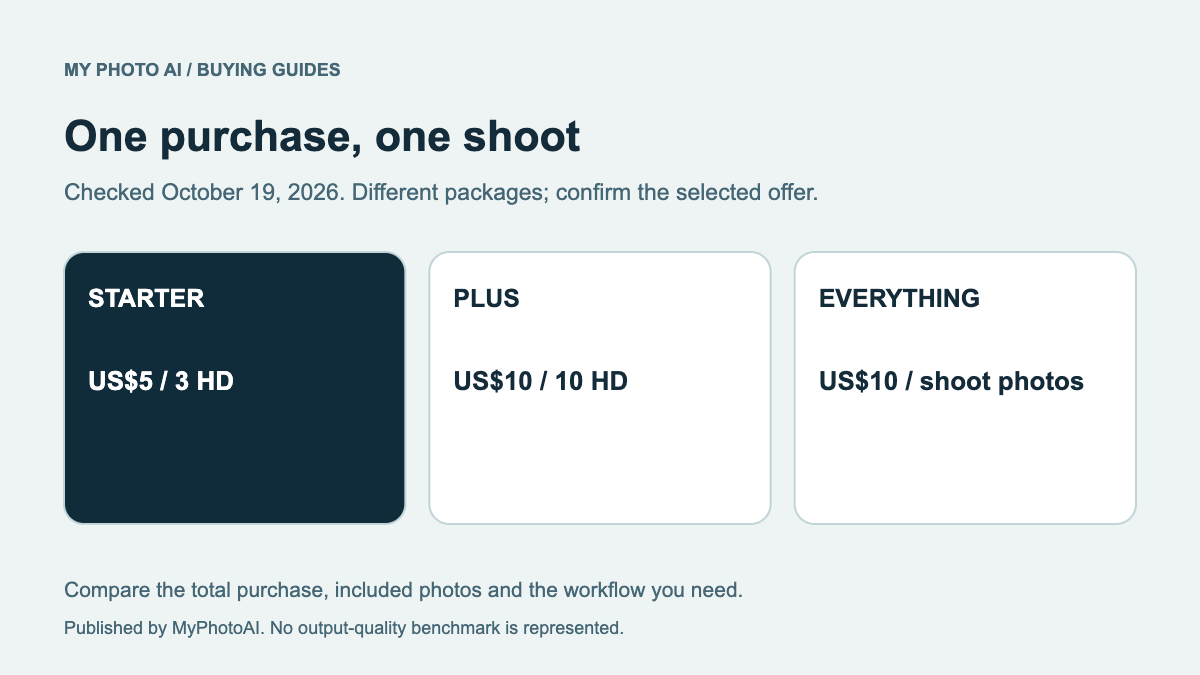
If you are considering MyPhotoAI, the current US Starter offer includes 3 HD photos from one shoot for US$5. Plus is US$10 for 10 HD photos, and Everything is US$10 for the photos from that shoot.4 These are source-photo allowances for one paid shoot, not three separately managed platform-upload services. The plan guide explains the scope.
Review the real preview in each destination
Check the face and eyes at the size coworkers will see. Adjust an overly tight crop in the app when possible. A background that seems unobtrusive in a large file can become busy around a small face, so inspect the actual result rather than assuming a professional label settles it.
Zoom notes that the host may hide profile pictures when video is off.2 If an image does not appear in a meeting, first distinguish a display setting from a bad photo. A new paid portrait cannot override a host's control.
For LinkedIn, also check the audience that can see the photo. Keep the image's content and its visibility as separate decisions. Do not choose a different source merely because a preview is being viewed under another account or visibility state.
Reuse the portrait with a clear record
Save the master, the destination copies and a short note of the permitted uses. Use filenames that make the export purpose clear. Revisit the source when your appearance or company brief changes, rather than buying a replacement for every new app you join.
Download the workplace-profile delivery worksheet. If you need a new paid source and the intended uses permit generated portraits, browse MyPhotoAI sample looks. Personalized generation begins after payment, and you should review actual likeness before publishing any result.
Before commissioning the source portrait, check LinkedIn likeness guidance and the Upwork freelancer photo brief. For a physical card, the business-card print guide calculates detail at the final portrait placement.
For other profile uses, the developer portrait brief separates GitHub identity choices from employer and speaker requirements. The Discord buying guide distinguishes a static file from platform perks, while the Twitch asset brief keeps the portrait, banner and stream graphics separate.
For public social profiles, check the actual image surface before buying another portrait. The TikTok guide separates the still photo from a profile-video choice. The Snapchat guide checks Public Profile photos and native identity features. The X brief separates the square avatar from wider header artwork.
Sources
- 4MyPhotoAI pricingMyPhotoAI