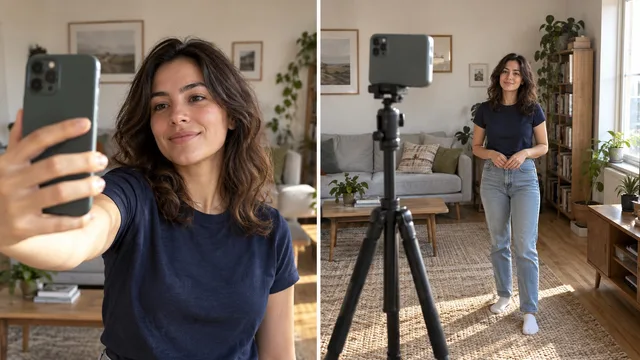
You straighten your jacket, the phone comes up, and suddenly you are thinking about both hands. They hang stiffly, or you tuck them so far into your pockets that they disappear. Give one hand a small job and take the photo while the action still feels natural.
Portrait photographer Kendra Foerster says the question she hears most often in her sessions is what to do with your hands.1 If that thought interrupts your expression, try a few small actions before deciding where either hand belongs.
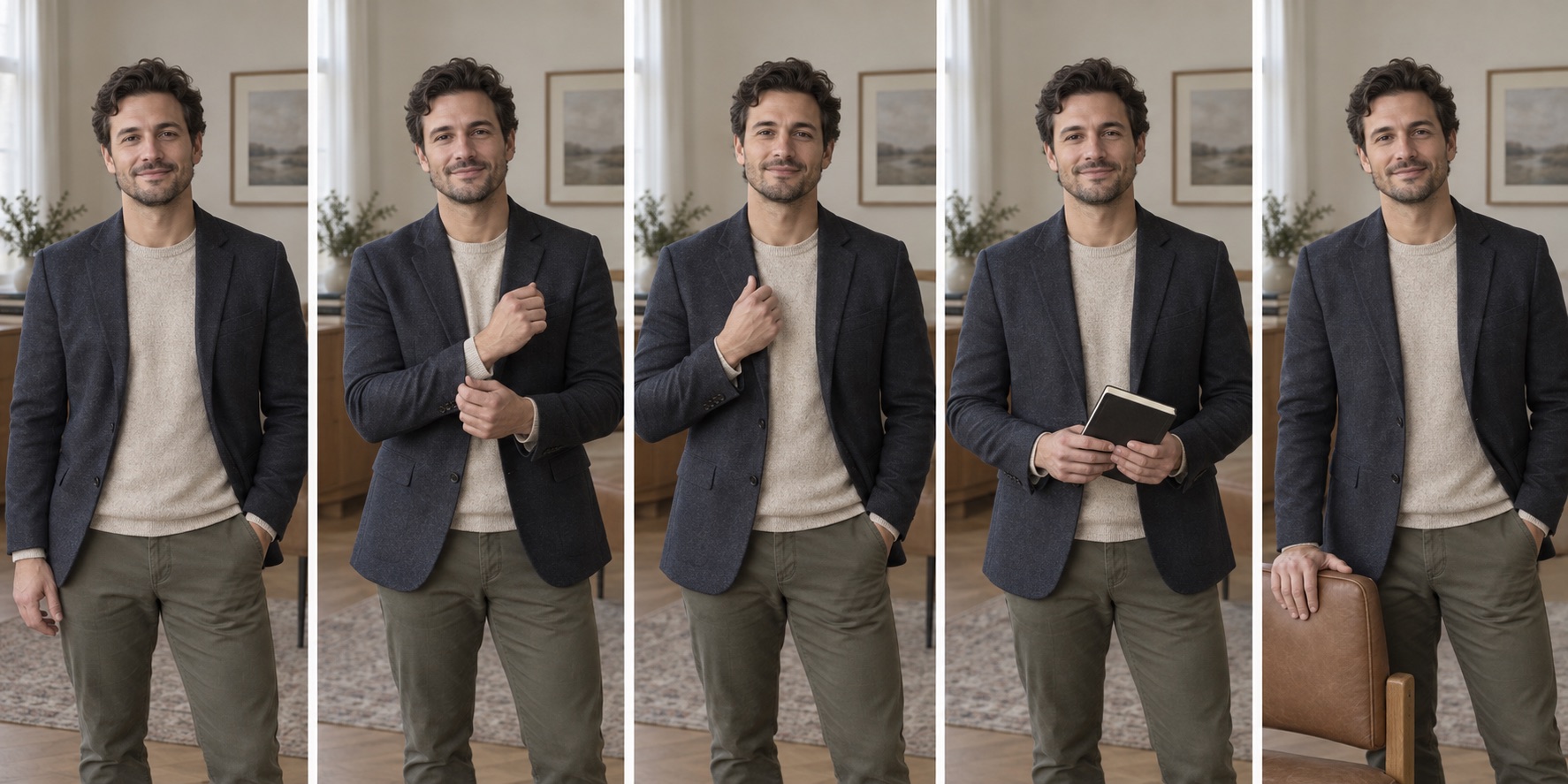
Try five frames: an arm at your side, part of a hand in a pocket, a cuff adjustment, a simple prop, and fingertips on a chair. You can do this with a friend or a phone timer. If light and framing are still giving you trouble, sort those out with the selfie setup guide first.
Before frame one
Set the phone near eye level. Let both arms hang for a moment and loosen your fingers before the first frame. Take one plain frame so you have a baseline. If you are shooting alone, the iPhone camera timer gives a solo subject time to reset between deliberate poses.2 Use your phone's equivalent if you are not on an iPhone.
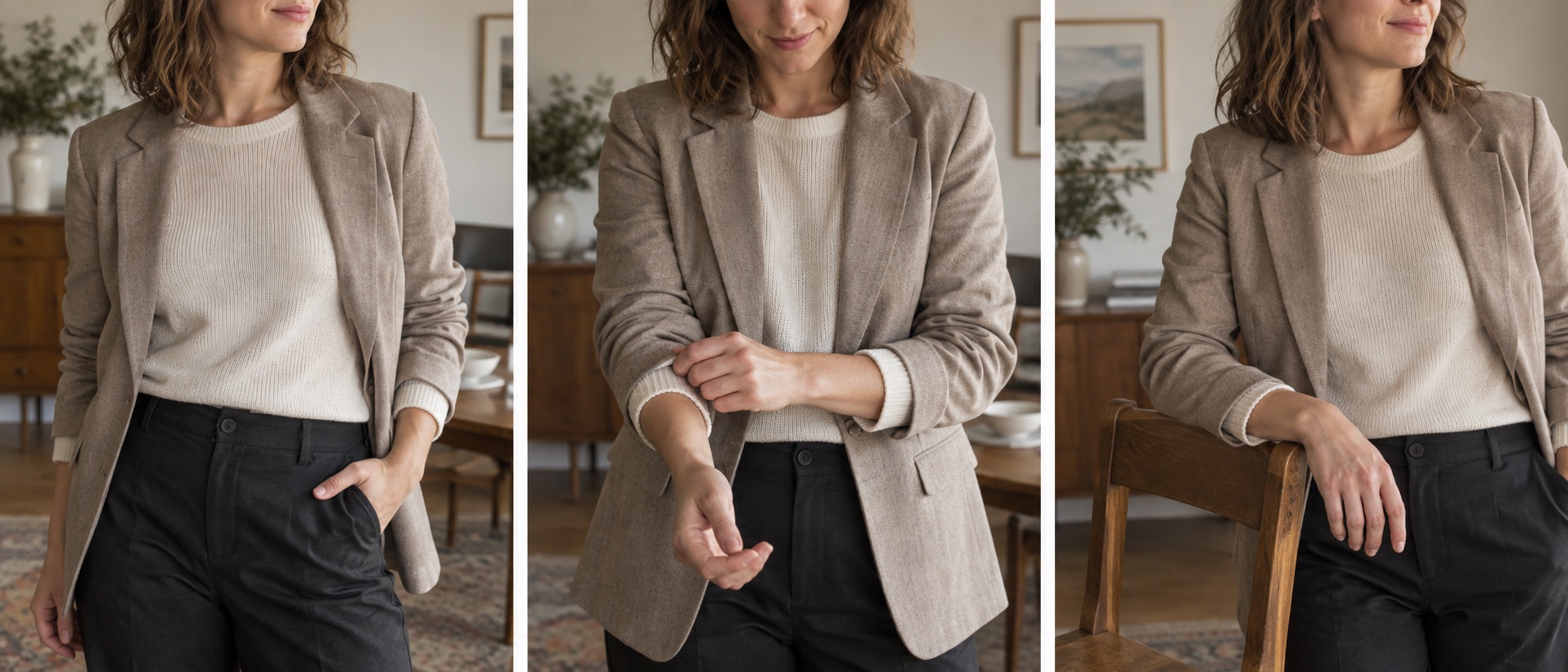
Pocket, cuff, and chair are three places a hand can rest. Keep the contact light.
The five-frame drill
| Frame | Give your hand this job | Watch for |
|---|---|---|
| 1 | Let one arm rest by your side | A stiff elbow or clenched fist |
| 2 | Put part of one hand in a pocket | Hiding the whole hand or pulling fabric tight |
| 3 | Lightly adjust a cuff or sleeve | A hand covering your face |
| 4 | Hold a notebook, jacket, or simple prop | A prop that distracts from you |
| 5 | Rest fingertips on a chair back or table edge | Pressing so hard that the arm looks tense |
Adobe's hand-posing advice suggests gentle contact, a partially visible pocket hand, and a simple prop rather than forcing rigid fingers.3 Leave the notebook out if it would feel out of place in your photo. An empty hand at your side is a perfectly usable fifth option.
Keep the action, lose the performance
Move your hand into place just before the shutter. Holding a position through a long countdown can make fingers stiff. Adobe's phone portrait posing guidance favors small adjustments that make the image feel more natural.4 If a hand keeps drawing attention away from your face, take a tighter crop. Hands do not have to appear in a headshot.
Put the five frames next to each other on your phone. At thumbnail size, look for the one where your expression is relaxed and your hand does not interrupt the edge of the crop. Check for a pocket pulling the jacket out of shape or fingertips cut off at the frame edge. If two work, keep both. You may want a tighter profile crop and a wider one for a post.
For a professional profile, compare the finalists with these headshot examples. For a wider pose that includes your legs and shoes, use the full-body framing guide before cropping.