Your favorite headshot is not automatically the right submission file. The casting platform may reject the upload, crop your face oddly, or make a beautifully lit image hard to recognize at thumbnail size.
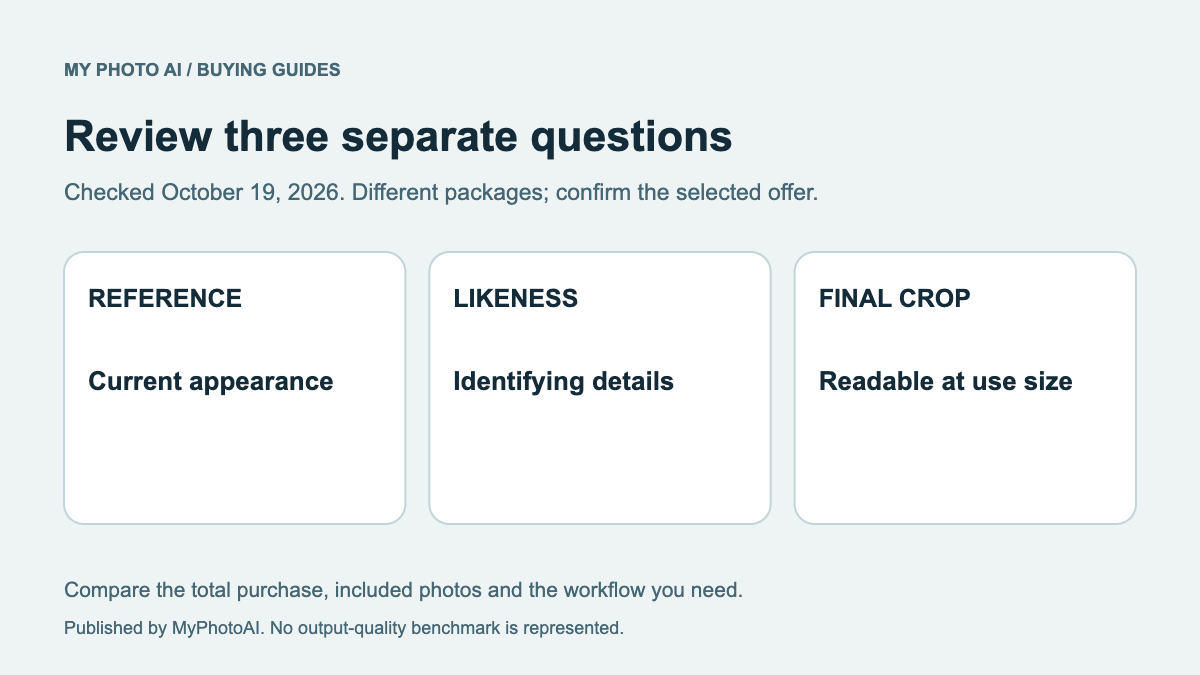
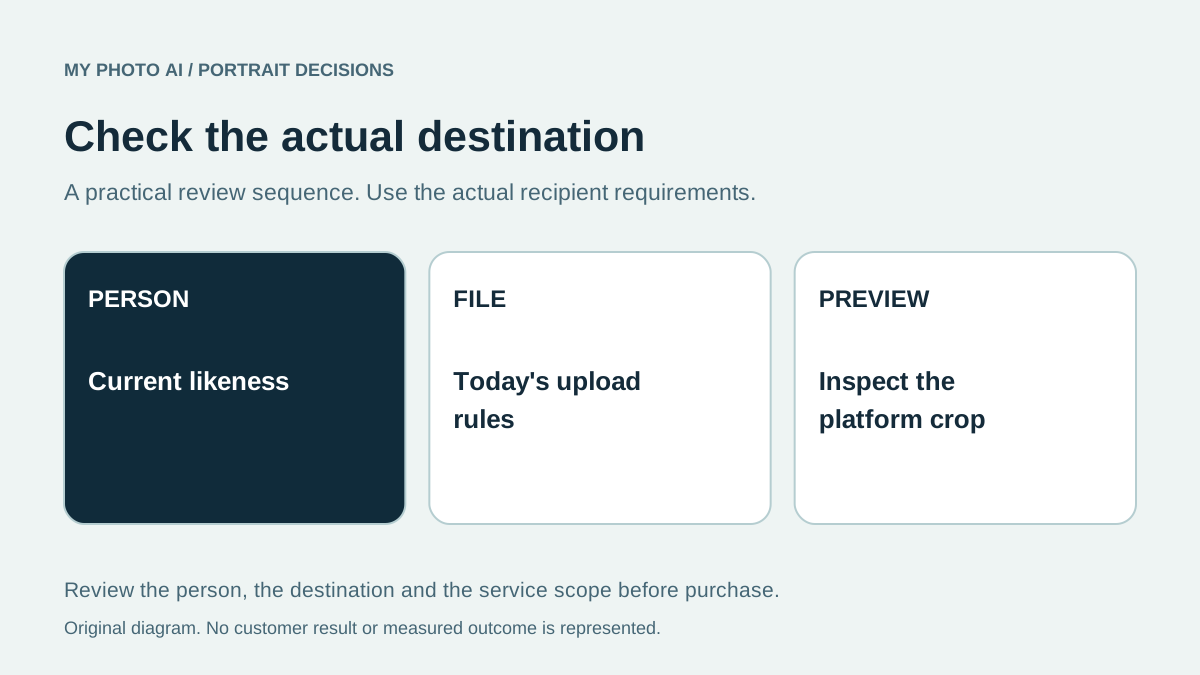
Before submitting, check four things: the person in the photo still looks like you now; the face is clear in a small crop; the file meets the destination's current rules; and the image suits the role you are applying for.
The requirements are destination-specific
Do not export one “industry standard” file and assume it works everywhere. Casting Networks' current upload help lists accepted photo formats, a minimum of 360 by 360 pixels and a 30 MB maximum. 1 Backstage's profile editor lets members replace or crop the main headshot and add more media. 2 Check the destination again on the day you submit, since interfaces and file rules change.
| Check | Pass condition |
|---|---|
| Likeness | A casting team meeting you today would recognize you |
| Face and crop | Eyes, hairline and chin survive the profile thumbnail |
| File | Format, dimensions and file size meet the actual platform rule |
| Version | The image reflects your present appearance and intended submission |
Print and online are different jobs
If an in-person brief requests an 8-by-10 print, prepare that version separately. A digital platform judges the uploaded file and its own crop. Keep the full-resolution original, then export to the job's specification. Never enlarge a tiny web thumbnail and call it print-ready. If a casting notice specifies a file type or naming convention, follow that notice over a general blog post.
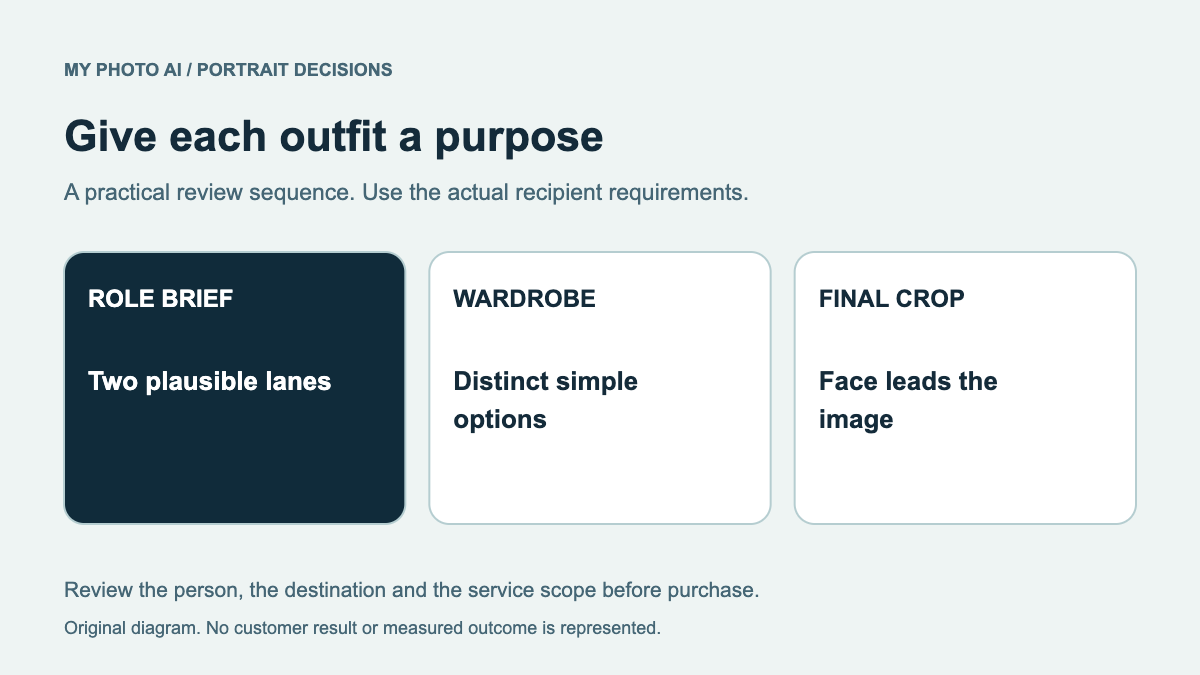
Backstage's profile advice recommends professional headshots that represent the actor, with a little variation, rather than a costume image or casual selfie as the basic profile photo. 3 That makes likeness more important than an elaborate concept. If you are still deciding between theatrical and commercial images, use the theatrical-versus-commercial guide.
This is a file and submission checklist. For visual inspiration before selecting a finalist, see acting headshot examples, then check the platform preview before sending.
Before upload: current likeness, small-thumbnail face, correct format, full-quality original and job-specific instructions.
Decide the image route before spending
Upload limits do not establish permission to use an AI-generated or heavily edited portrait. Check the casting notice and ask the recipient if its rules are unclear. A file that uploads successfully may still be unsuitable because it changes your current appearance or does not meet the casting brief.
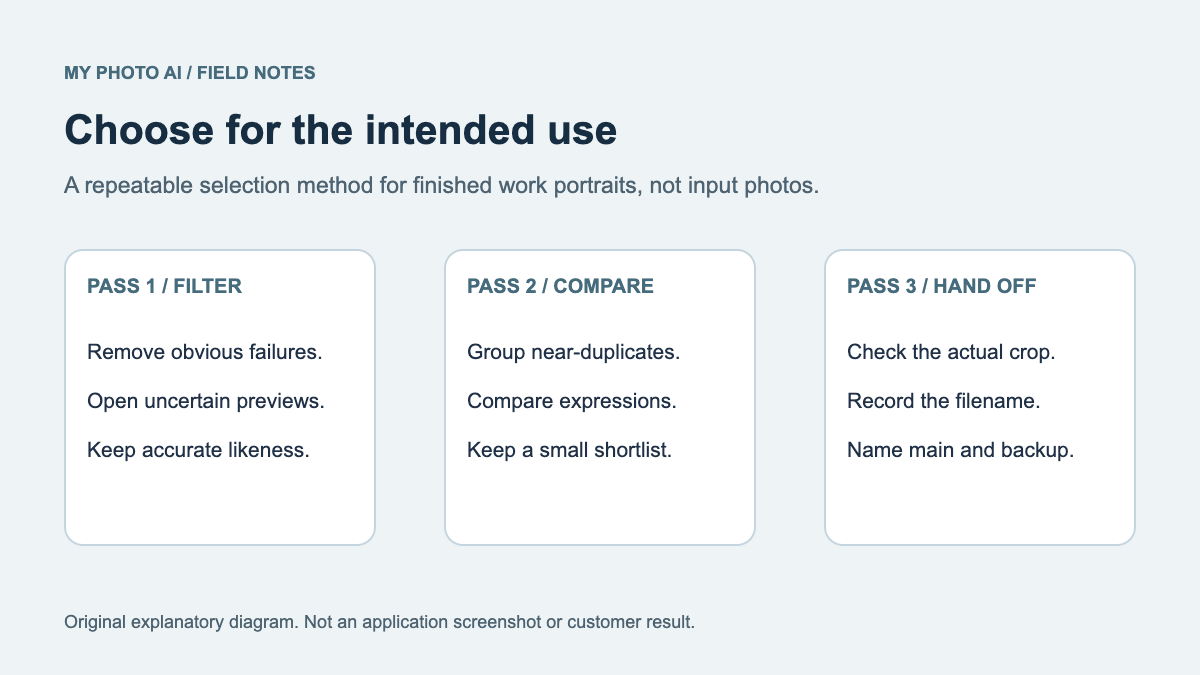
Keep the approved master and make a separate export for each destination. Name the export so you can identify the actor, crop and version without opening it. If the platform crops differently after upload, return to the master and export again instead of repeatedly enlarging a thumbnail.
Download the editable decision worksheet.
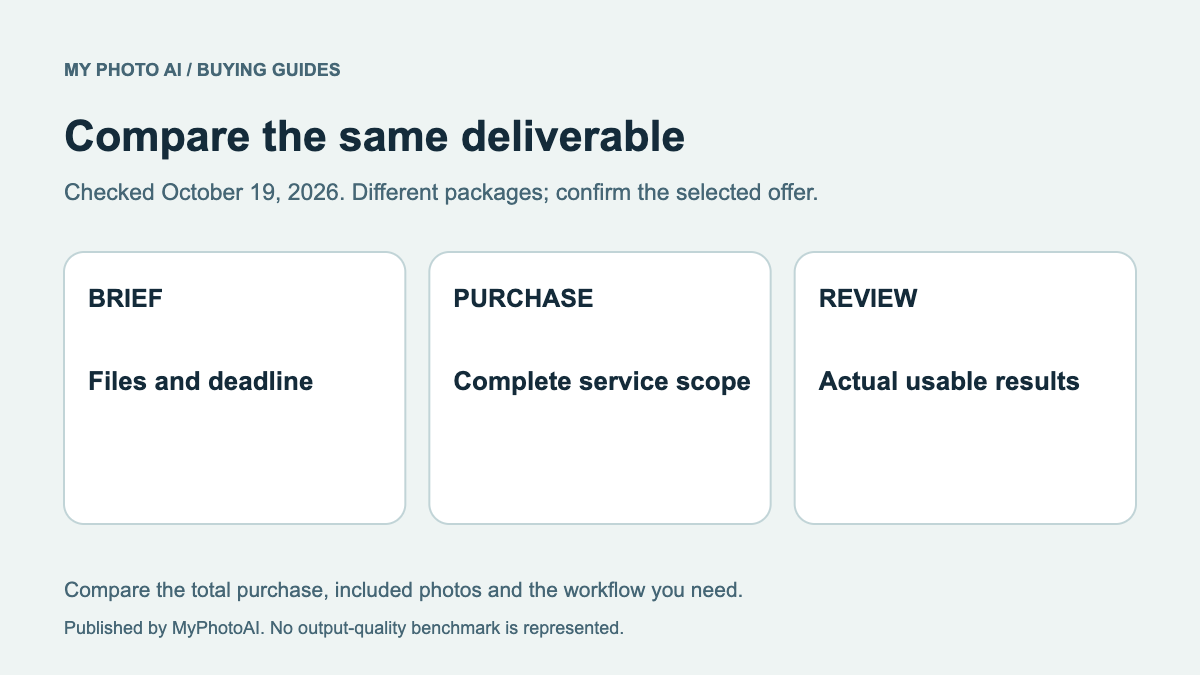
Before commissioning an image, compare a conventional photograph and a paid generation route against the actual recipient brief.
Before booking, agree the theatrical or commercial purpose and check whether an existing primary photo already meets that brief.