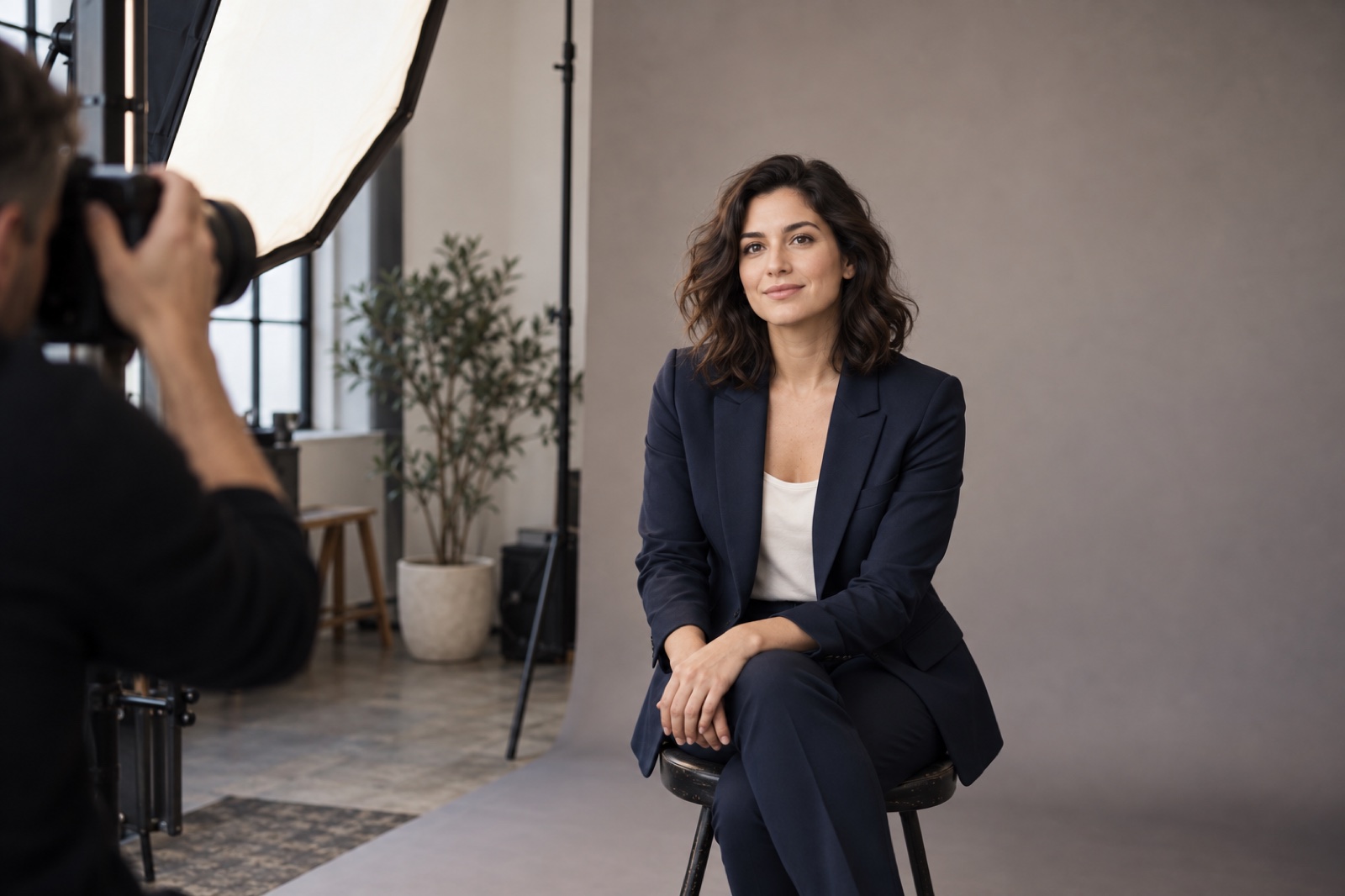
A studio quote and an AI checkout price rarely cover the same work. The useful comparison is the cost, time, rights, and result for the image you actually need. Start with a specific brief before deciding which route is cheaper or faster.
Use this guide to compare the deliverable you need. We have not completed a matched purchase test, so the examples below are a decision method, not a measured verdict.
Write the brief first
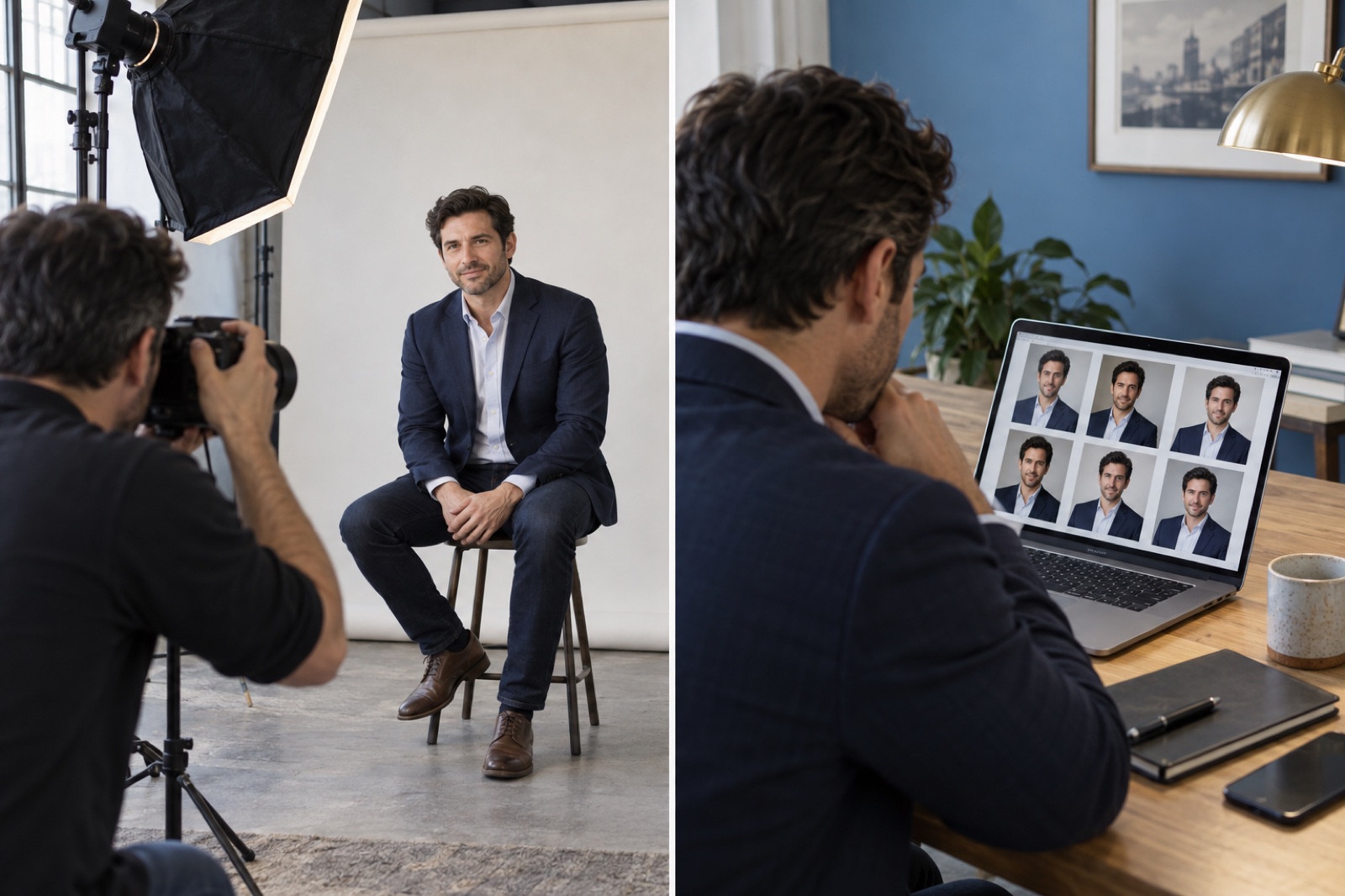
Describe the destination: a company directory, conference bio, LinkedIn profile, press kit, or print. Record the required crop, delivery size, deadline, number of final images, and whether the subject needs a consistent look with teammates. The headshot size guide can help specify the export.
Then request a photographer quote against that brief. Ask whether the price includes sitting time, selection, retouching, travel, image rights, and a replacement edit. For an AI route, record the actual checkout price, number of usable outputs, time spent selecting inputs, any reruns, and what happens if you cannot find a faithful likeness.
Compare what you receive
| Decision point | Ask the photographer | Check for the AI route |
|---|---|---|
| Final image | How many edited files and crops are included? | How many outputs would you actually use? |
| Time | What are the booking, session, and delivery dates? | How long do selection, generation, review, and any retries take? |
| Rights | Can the image be used on company pages, press materials, and ads? | What do the current terms allow for the generated image? |
| Revisions | What retouching or reshoot is included? | Can you regenerate or choose another result, and at what cost? |
| Likeness | Can you review a proof with the photographer? | Does the result pass a comparison with a current reference photo? |
| Team consistency | Can the same lighting and background be repeated for new hires? | Can the same visual brief be followed across staff members? |
Do not fill this table with a market-average price unless the method, location, date, and included deliverables are known. A low number without scope is not useful evidence.
For one concrete example, Leo Peterson Photography's Denver pricing page listed a $175 studio session on 25 September 2026.1 The page describes a two-hour booking window, posing guidance, on-site image selection, and one retouched image. Additional images cost extra. This is one advertised offer, not a national average or a quote for a specific subject. Confirm availability, licensing, taxes, and current terms before comparing it with an AI purchase.
Check the actual MyPhotoAI checkout screen and record its date before adding a product price to this comparison. MyPhotoAI's terms grant a nonexclusive license to use generated outputs for personal and commercial purposes, subject to the terms and third-party rights.2 Check the photographer's license against the same intended uses. Do not calculate a savings percentage from mismatched packages.

Where each route tends to fit
A photographer can direct a subject in real time, adjust lighting around glasses or hair, and capture a documentary image of that person on that day. This may matter for executives, press images, regulated contexts, or anyone who wants hands-on direction. The availability, fee, and delivery terms depend on the photographer and location.
An AI workflow lets the subject work from existing photos and compare several styles without scheduling a session. Its practical value depends on the quality and rights of the inputs, the actual result, and the amount of time needed to find a usable likeness. Read the current Help page for the upload requirements. A generated portrait may be unsuitable where an organization requires an unaltered photograph.
Neither route should be judged only by the most polished example in a gallery. Compare the final files at the size and crop where they will appear. Check the eyes, facial structure, hair, clothing edges, and background. Ask the subject whether the image still represents them.
A cost worksheet for one real case
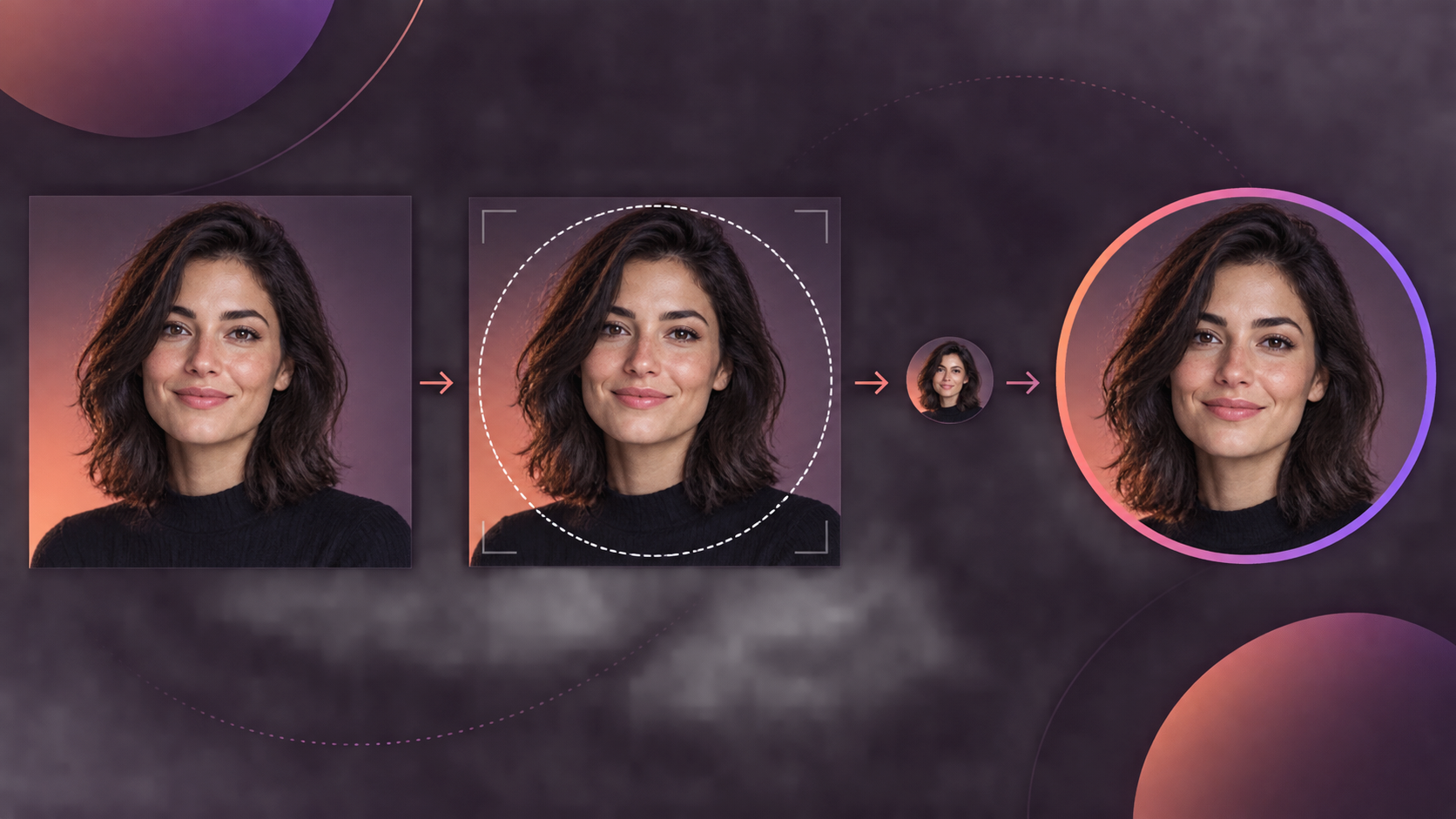
Keep receipts or dated quotes and record the following before writing a conclusion:
- Subject and brief: the destination, crop, deadline, and consent to use the comparison.
- Photographer: location, quoted price, included files, licensing, session time, and delivery date.
- AI: purchase cost, input selection time, generation time, retries, and number of accepted files.
- Result review: the same crop and size for both, plus notes from the subject and a second reviewer.
- Limits: what the test cannot tell you about other cities, photographers, people, or image generators.
Until that case is documented, a decision worksheet is more honest than a universal winner. Choose the route that meets your brief and gives you an image you can use without misrepresenting the subject.


