
The hard part of a remote-team headshot project is rarely telling people to upload a photo. Someone has to define the look, handle consent, check each person's likeness, and keep new hires from appearing in a completely different style six months later.
This kit gives a remote team a shared brief, intake process, and review checklist. A completed team pilot would be needed to measure time saved or show that the finished portraits meet the brief.
Give one person ownership
Assign a coordinator who can answer questions and approve the final set. They need a list of participants, a delivery date, the places the portraits will appear, and a clear way for someone to decline. A company should not upload an employee's personal photos merely because a manager has access to them.1
Ask each participant for permission to process their images and to use a selected result for the stated company channels. Keep the processing permission separate from permission to publish a portrait. If the company later wants to use the image in an advertisement, get approval for that use too. Where possible, let each person upload their own reference photos rather than routing a folder of personal images through the coordinator.
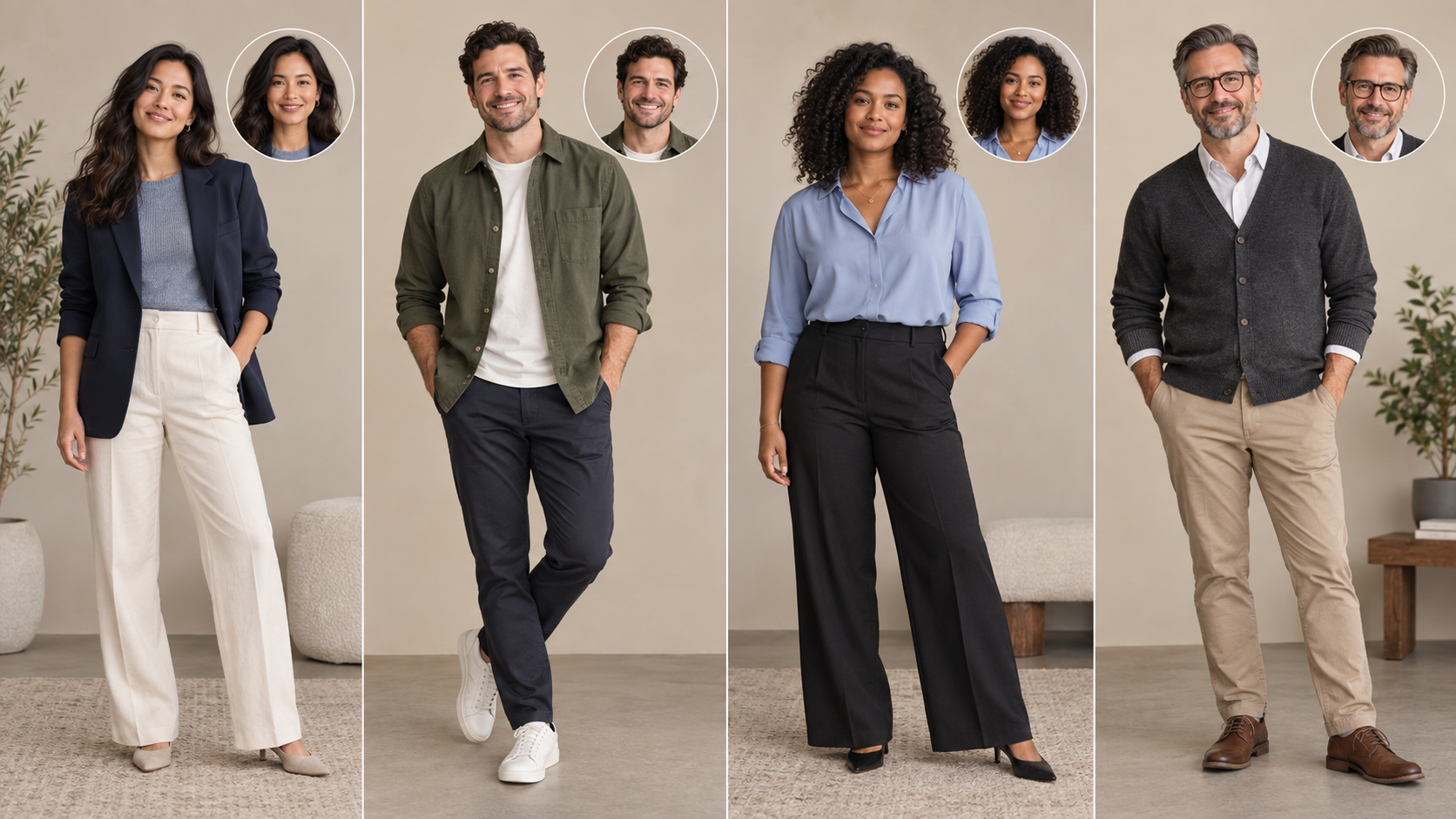
Write a visual brief people can follow
Choose a background family, crop, clothing range, and expression. “Professional” is too vague for ten people working in different rooms. A useful brief might say: shoulders visible, face near the center, neutral or lightly warm background, no logos, and room around the head for a square crop.
Include one approved example and one rejected example with a reason. Do not present illustrative product images as actual team members or as proof of a completed rollout.
| Decision | Record before production | Check before approval |
|---|---|---|
| Use | Directory, LinkedIn, press, or all three | Consent covers each use |
| Frame | Square and optional wider crop | Hair, chin, and shoulders survive both |
| Style | Background, light, attire, expression | Team set looks related without erasing individuality |
| Quality | Minimum delivery dimensions from the headshot size guide | Eyes and hair edges remain clear at final size |
| Review | Participant plus coordinator | Participant accepts likeness; coordinator accepts consistency |

Run a small pilot
Start with two or three consenting volunteers with different hair, skin tones, eyewear, and clothing. Give each person the same instructions and keep the settings fixed. Ask them whether the portrait looks like them before a manager votes on style. Record failed outputs and how many rounds it took to find a usable image.
That pilot will show whether the brief is specific enough. It will not prove that the workflow works for every employee. Adjust the instructions and run another small group before making promises about time or acceptance rates.
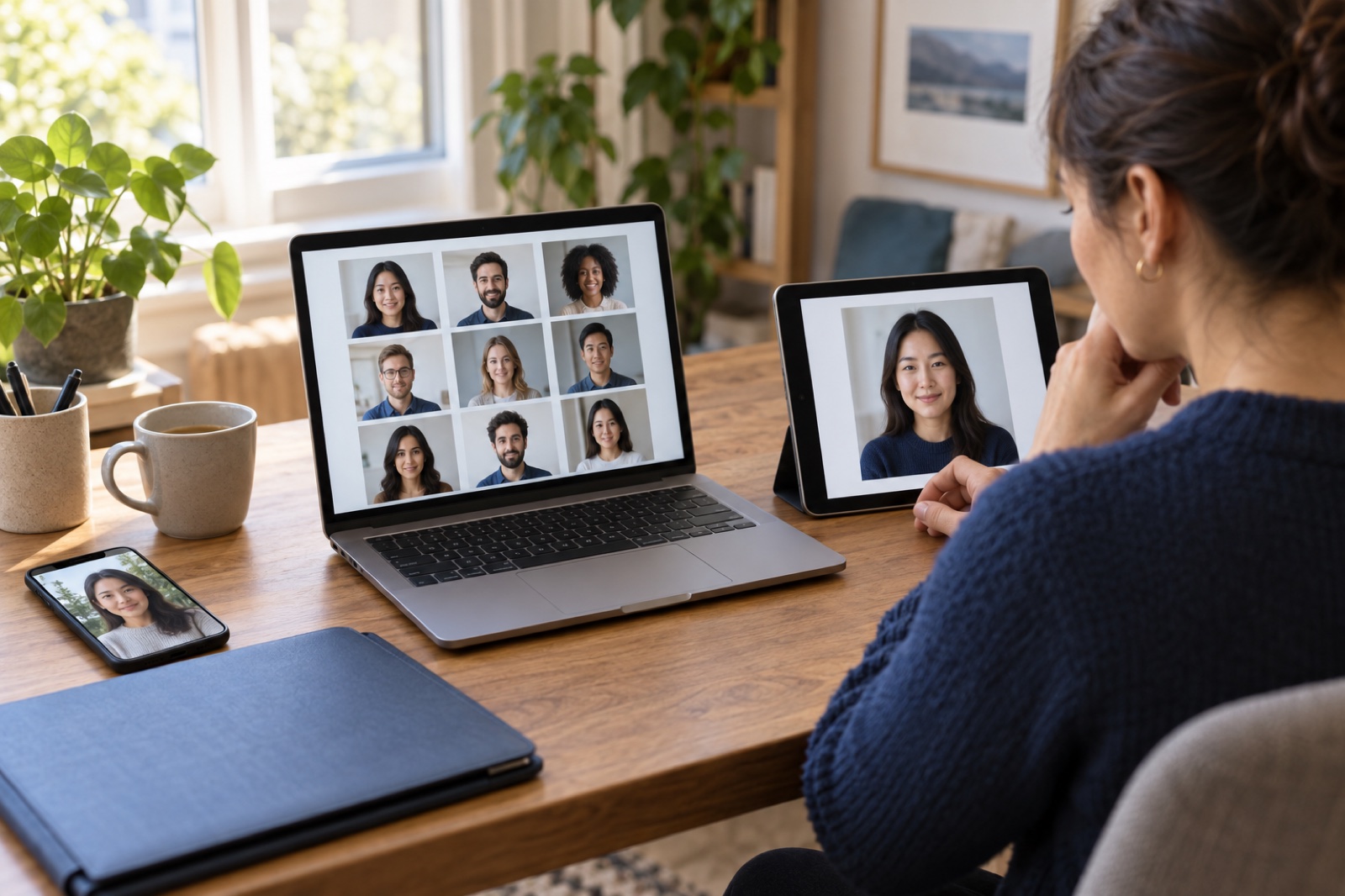
Keep the intake private
Tell staff which photos are needed, where they will be uploaded, who can view the results, and how long the company plans to keep its own copies. For the service's published handling of uploaded and purchased photos, read the MyPhotoAI privacy policy.2 The company's own storage and publication choices need a separate policy.
Use a private review link or approved internal system for selection. Avoid passing a folder of employee source photos around in chat. Give each participant a chance to reject an image before it is published beside their name.
Plan for replacements
Record the selected style and export sizes so a new hire can follow the same brief. Review portraits when an employee changes role or appearance, and remove a photo when employment ends according to the company's retention rules. Keep an owner for those updates; otherwise a consistent launch turns into an uneven directory.
The deliverable is a folder of approved exports plus a short decision log, not simply a batch of generated files. The log should say which image each person approved, when, and for what uses. LinkedIn's current Help page says profile photos can help people recognize members, but its profile-view figure is an association and does not measure the effect of a team headshot program.3