Buying an AI LinkedIn headshot makes sense only if it solves a specific problem with your current picture. LinkedIn permits artistic renderings, illustrations and caricatures that reflect the member's likeness.1 That does not mean it approves a particular generator or guarantees acceptance of every generated portrait.
Start by naming the problem: an outdated appearance, an unusable crop, distracting surroundings or the absence of a recognizable picture. Each calls for a different next step. A suitable existing image may need only a crop. A portrait that changes your face needs a more careful decision than a change of background.
This MyPhotoAI buying guide uses LinkedIn's published guidance checked October 19, 2026. It is a requirements review, not a test of upload acceptance or recruiting outcomes.
Decide what must change
| Current situation | Try before buying | When a new portrait becomes useful |
|---|---|---|
| Your face is clear but the frame is too wide | Test a tighter crop in the profile editor | The crop leaves too little detail or cuts through the head |
| The photo looks unlike you today | Find a recent, unfiltered photograph | You have no current image you would use |
| Your employer wants a matching team page | Get its written photo brief | The existing file cannot meet that brief |
| You want a different background | Compare a local background edit with a full shoot | You also need different clothing or a new composition |
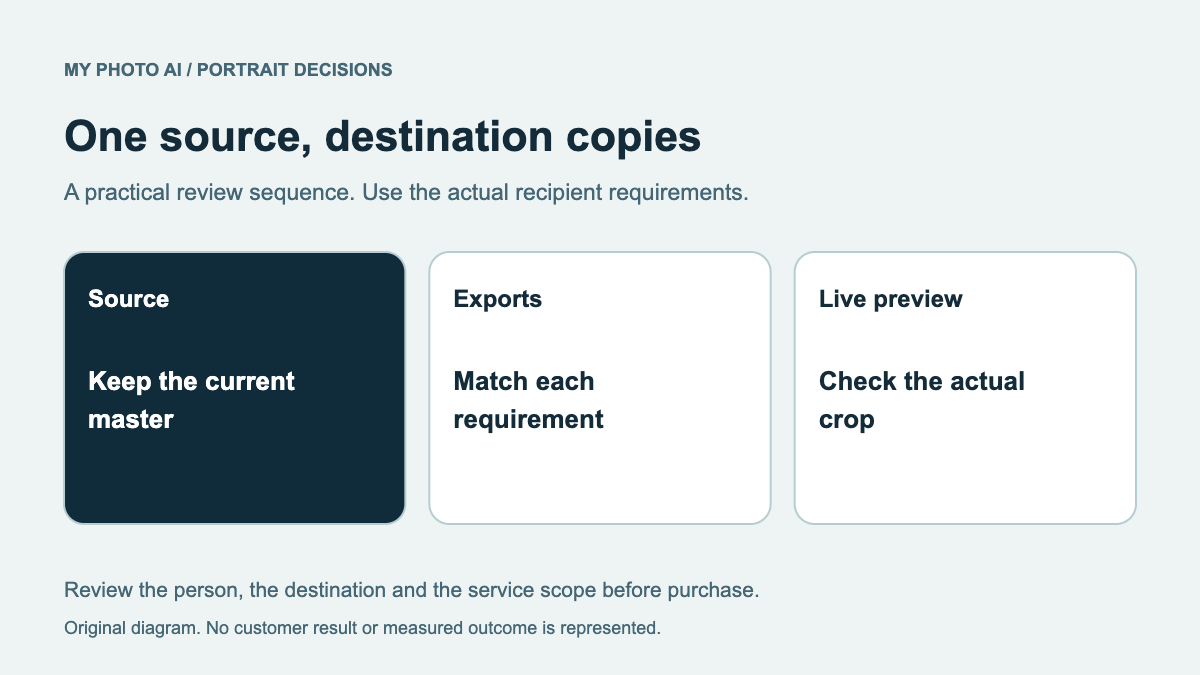
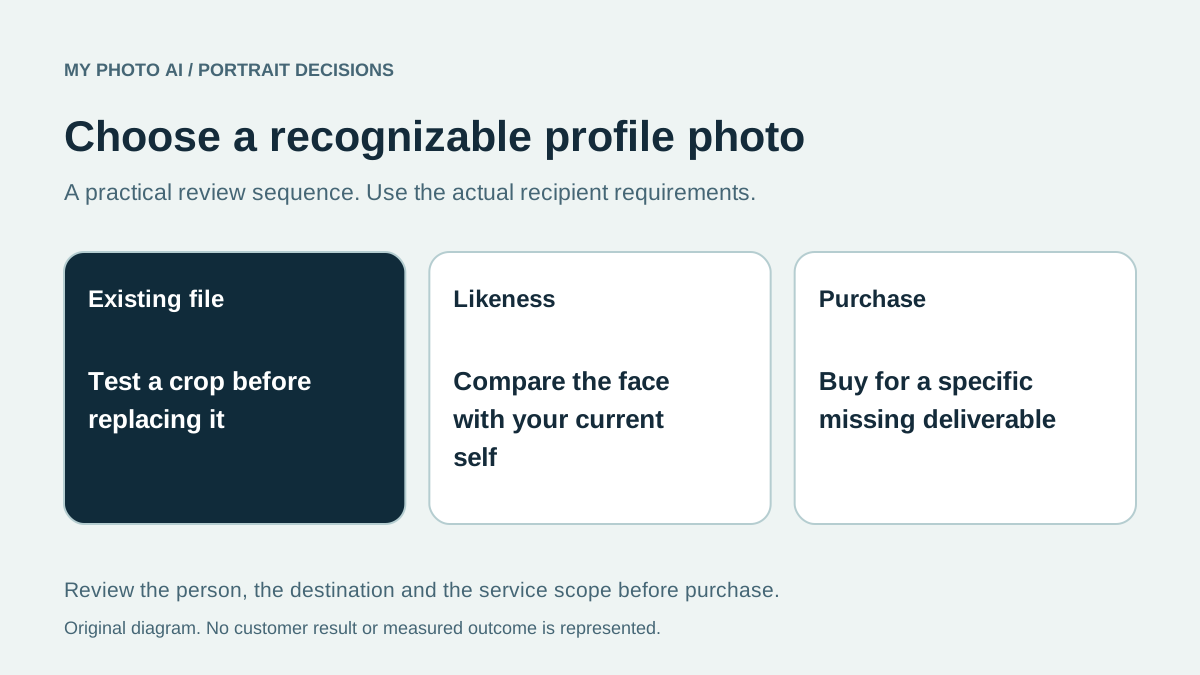
LinkedIn's editor supports cropping and repositioning a profile photo.2 Test that option with the original file before assuming that a new outfit or a larger gallery is necessary. Do not judge a crop only from the large editing screen. Check the small profile display as well.
Separate likeness from polish
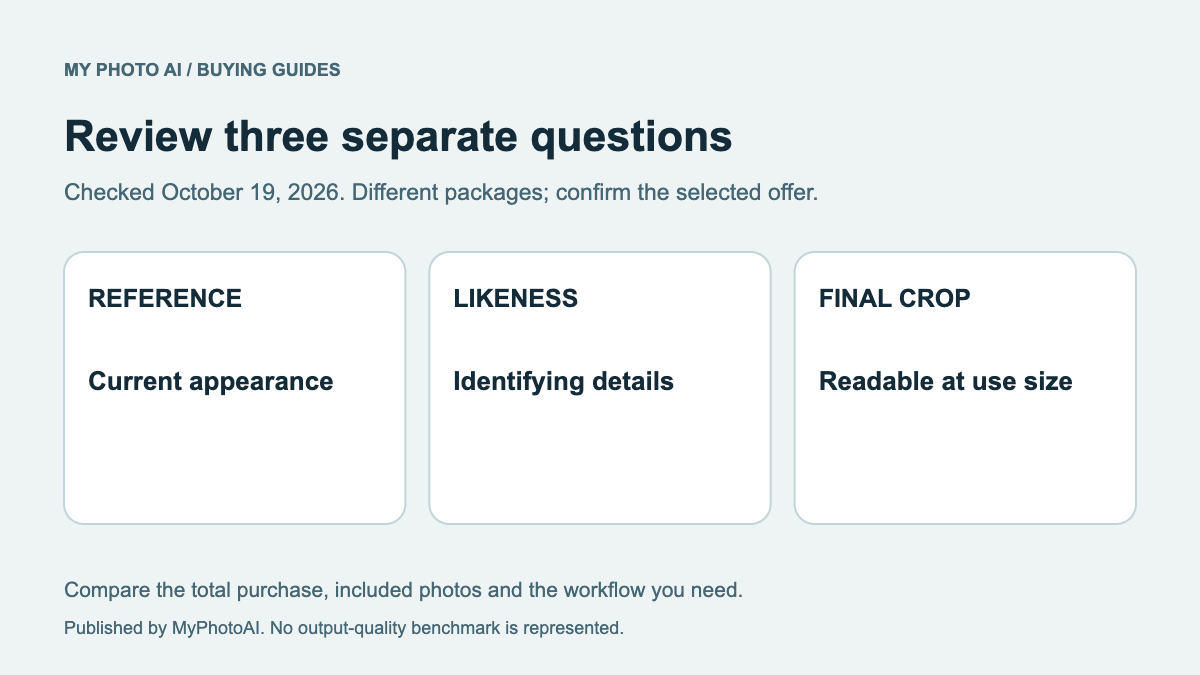
Review the face against a recent photograph of yourself. Check the eye shape and spacing, nose, jaw, hairline, glasses and other recognizable details. Then check the expression and clothing. Attractive lighting does not compensate for a face you do not recognize.
Ask someone who knows you whether the candidate looks like your current self. That is a useful second opinion, not proof of compliance with LinkedIn's rules. Our likeness review provides a more detailed inspection order.
LinkedIn's guidelines also identify unsuitable profile content such as solely logos, words, landscapes or somebody else's likeness.1 Keep a personal profile photograph separate from a company logo or banner design. Adding a brand name across a face is not a substitute for choosing the right profile field.
Choose the purchase route around the missing deliverable
Keep an existing photograph if it remains recognizable and survives the required crop. Consider a new photographed session if you want direct control over your actual clothing, expression and lighting while being photographed. Consider an AI portrait if the available examples fit your brief and you accept that every candidate will need inspection.
A provider's sample face cannot establish how accurately it will reproduce yours. Avoid choosing on the number of gallery images alone. One usable profile image and several exports may be enough. The shared Slack, Zoom and LinkedIn guide covers reuse across destinations without treating every crop as a new shoot.
Budget the MyPhotoAI option accurately
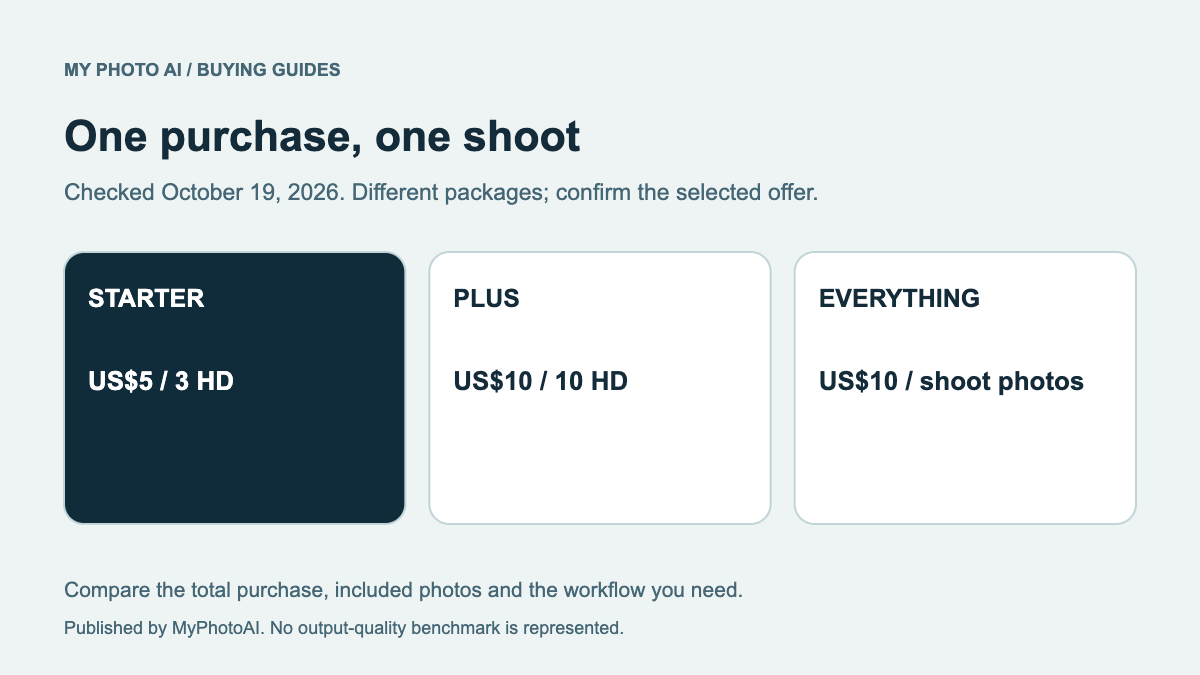
MyPhotoAI's current US Starter offer is US$5 for 3 HD photos. Plus is US$10 for 10 HD photos, and Everything is US$10 for all photos from one shoot.3 Personalized generation begins after payment. There is no subscription in this offer; another shoot requires another purchase.
Browse the current sample looks before paying. A sample is not a personalized preview, and the purchase does not guarantee that LinkedIn or your employer will accept a selected image. Generation can take over an hour, so retain your existing suitable photo if a profile update is urgent.
Download the LinkedIn purchase checklist. Buy only after identifying what the existing file cannot do, which appearance details must remain unchanged and who else needs to approve the result.
Sources
- 1Profile photo guidelines and conditionsLinkedIn
- 2Add or change a profile photoLinkedIn
- 3MyPhotoAI pricingMyPhotoAI