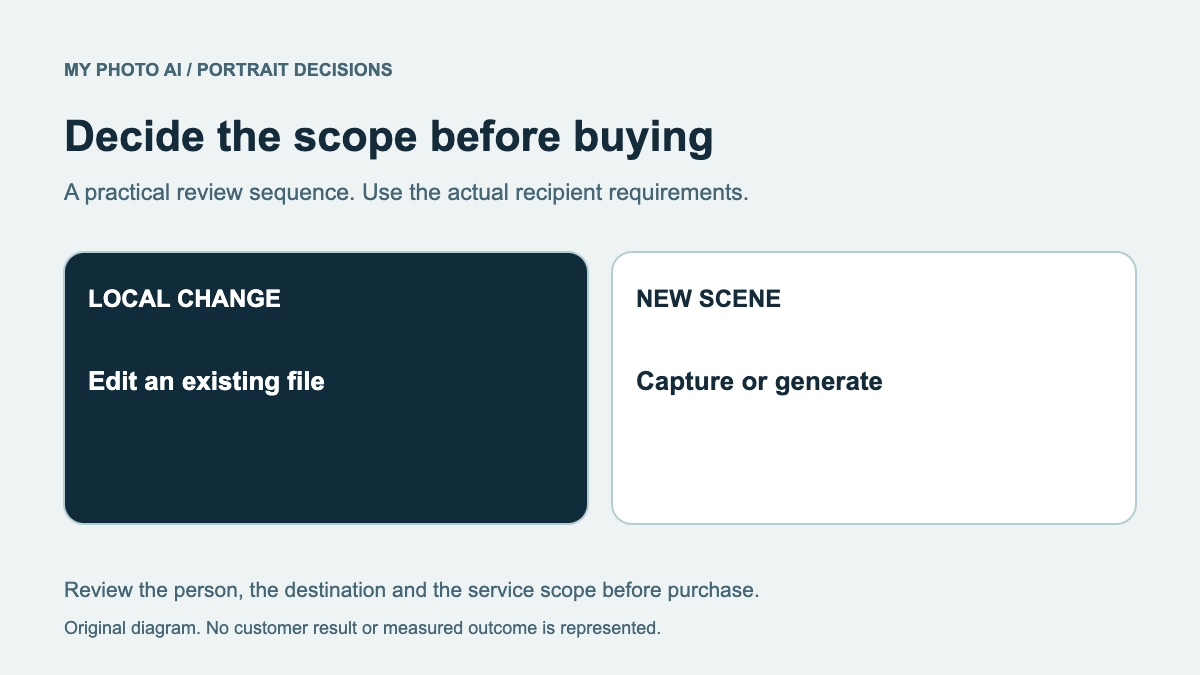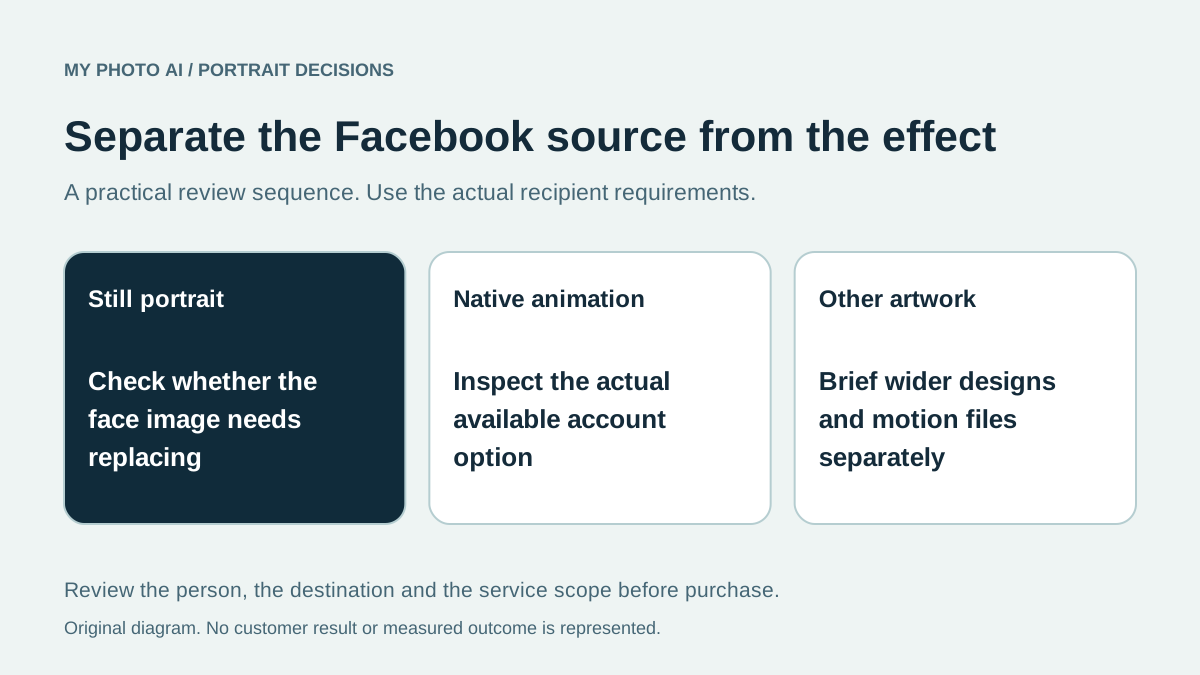
A Facebook AI profile-picture search can mean two different tasks: creating a new still portrait or bringing an existing photo to life. Decide which result you want before purchasing an image package.
Meta announced Facebook profile-photo animation on February 10, 2026. Its announcement describes preset movements and effects applied to an existing photograph, alongside separate restyling features for Stories and Memories.1 A new still portrait and an in-platform animation are different pieces of work.
We publish MyPhotoAI. We checked the official announcement on October 19, 2026, without modifying a Facebook profile or testing animation. Check the options actually available in your account; a rollout announcement does not establish that every account has every feature.
Name the result you are buying
| Desired result | Starting question | Work to keep separate |
|---|---|---|
| A current still portrait | Does the existing source still represent you? | Crop and final file preparation |
| Movement in an existing profile image | Is the relevant Facebook animation option available? | Buying a new still image is not the animation itself |
| A restyled Story or Memory | Which content surface are you editing? | A Story effect is not automatically a new profile photo |
| Wider profile or Page artwork | Does the layout need a separate composition or design? | A portrait package is not a complete branding commission |
Do not pay for a replacement face image solely because you want an existing photo to wave. First inspect the native option and its preview. If your current source is suitable, the remaining task may be motion rather than new portrait generation.
Check the source before adding movement
Meta recommends a single person facing the camera with the face visible and without objects being held. Its announcement says photos can come from the camera roll or images already uploaded to Facebook.1
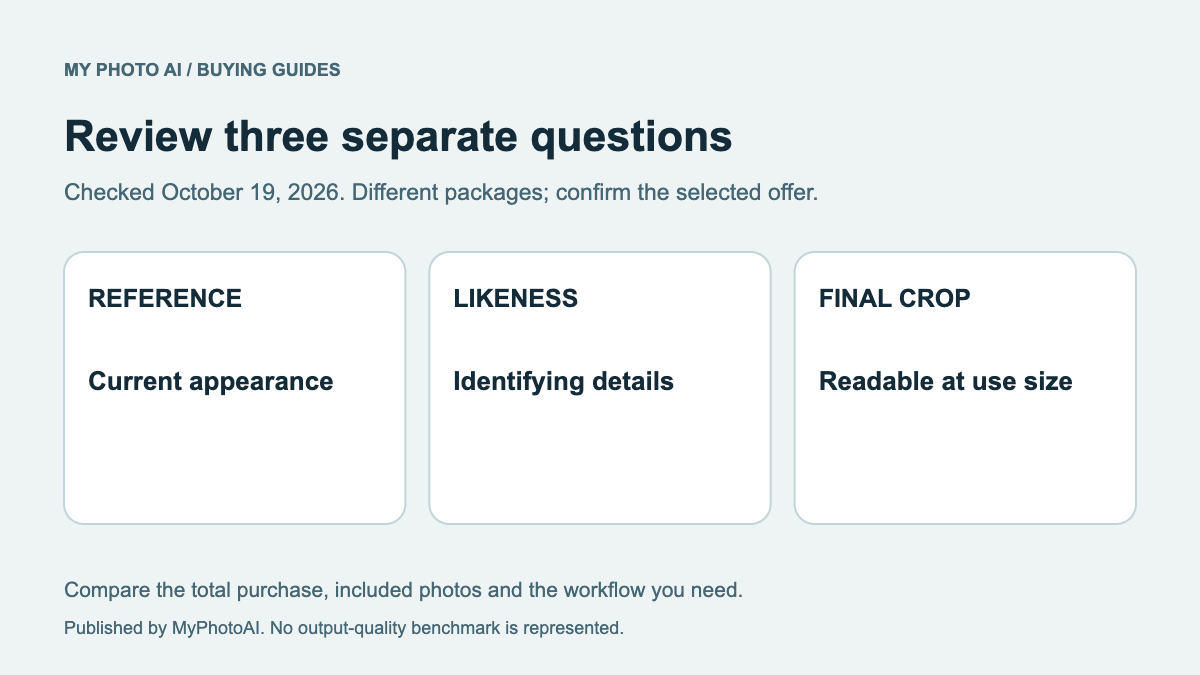
Review the underlying photograph separately from the animation. Does it look like you now? Is the expression suitable? Are other people, marks or background details being represented accurately? An appealing motion effect does not correct a source that already changes your identity.
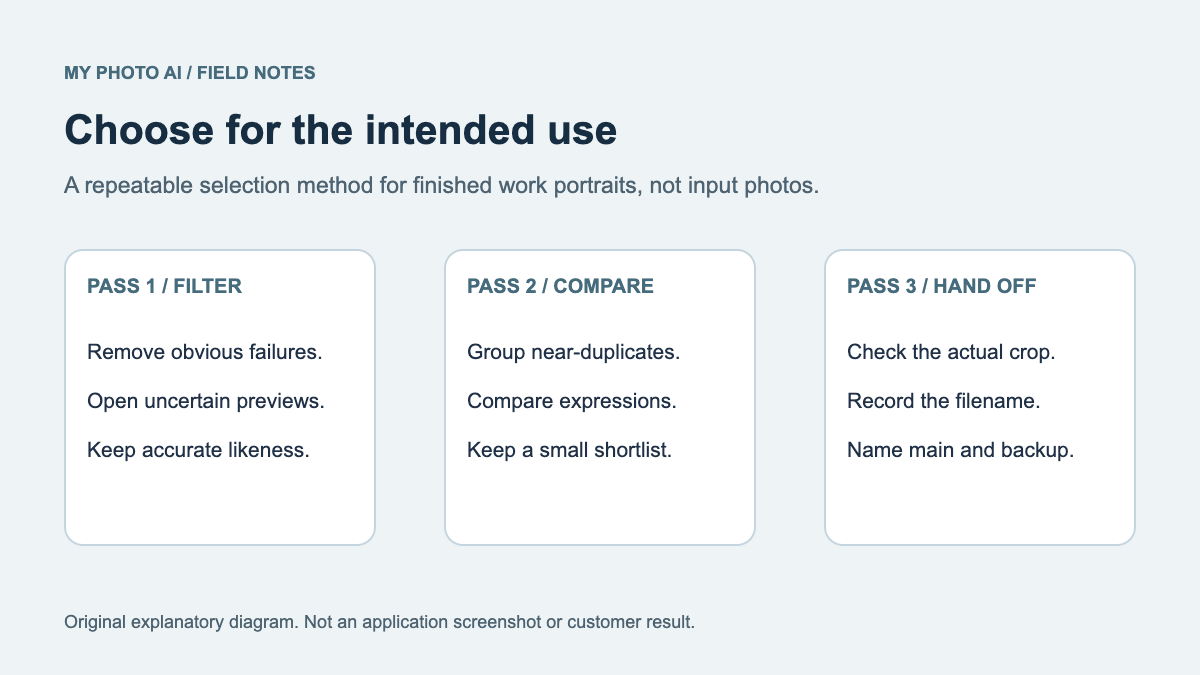
If you need a new source, compare an existing crop, a real photographic session and a permitted generated portrait. Save the selected still file so it can be reviewed independently rather than only as part of a moving preview.
Keep native features and purchased files distinct
A still image saved by an external service does not grant access to a Facebook account feature. Equally, an animation viewed inside Facebook does not by itself establish a reusable file or the export terms you need elsewhere.
For a broader personal-brand update, list the actual deliverables and destinations. An image for one field may need a different crop from wider artwork. Add exact lettering and approved logos in the final design rather than expecting a generated portrait to reproduce them reliably.
The retouching guide helps distinguish a small correction from a whole new portrait. The likeness review gives an order for inspecting identifying details before choosing background and polish.
Compare the still-portrait purchase honestly
MyPhotoAI's current US offer includes 3 HD photos for US$5, 10 for US$10, or all photos from one shoot for US$10.2 Personalized generation begins after payment. There is no subscription in that offer; another shoot requires another purchase.
The allowance covers portrait photos. It does not establish an included animation file, direct Facebook publication or guaranteed access to Meta's account features. Generation can take over an hour, with selection and destination checks afterward.
Download the Facebook image-task worksheet. Choose a new portrait when the source needs replacing. Check the native route first when the actual goal is animating a suitable image you already have.
Sources
- 1February 2026 Facebook photo-animation and restyling announcementMeta Newsroom
- 2MyPhotoAI pricingMyPhotoAI