LightX's headshot tool accepts one source photo and offers preset styles or a text description.1 Its pricing page separately lists editing features, export limits and AI allowances.2 Check all three before buying a plan merely because it includes many photo tools.
This comparison is published by MyPhotoAI from public pages checked October 19, 2026. We have not uploaded a personal photo to LightX, purchased a plan or compared matched outputs with MyPhotoAI.
Start with the export you need
| LightX pricing-table label | Starter | Pro |
|---|---|---|
| Resolution | 512px | 4096px |
| File format | JPG | JPG, PNG |
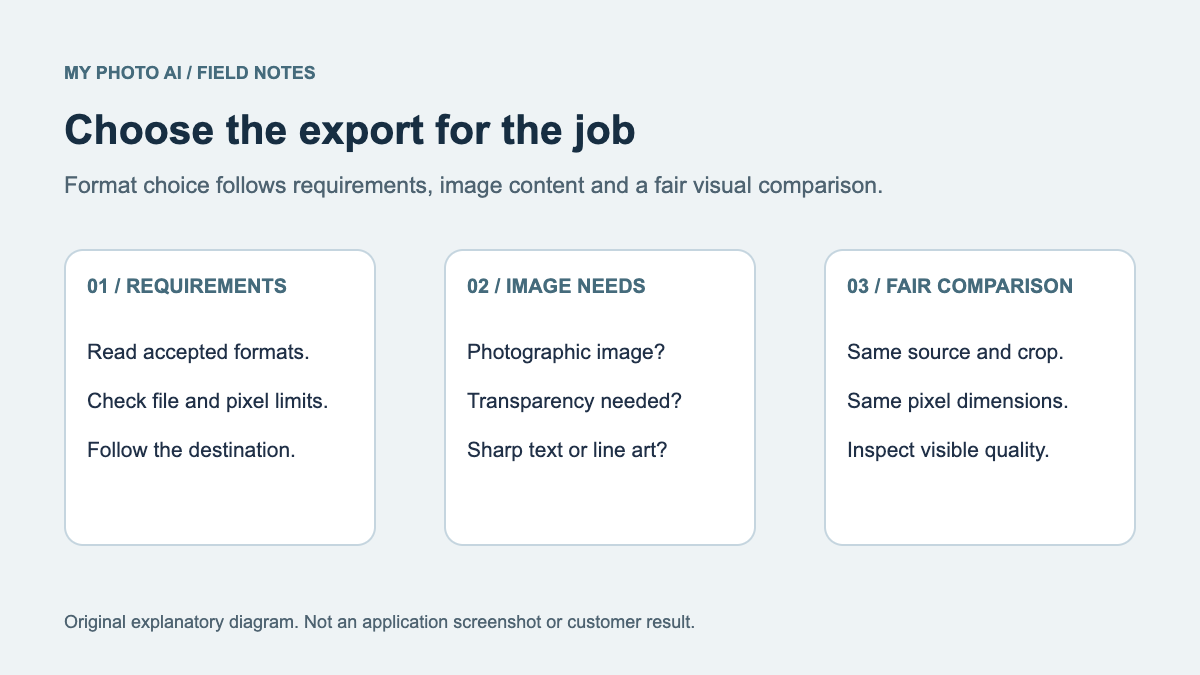
These are the labels in the reviewed plan comparison, not measured files from a headshot generation.2 Confirm what the chosen tool actually exports. A plan-level resolution label does not establish the dimensions, crop or usable facial detail of a particular result.
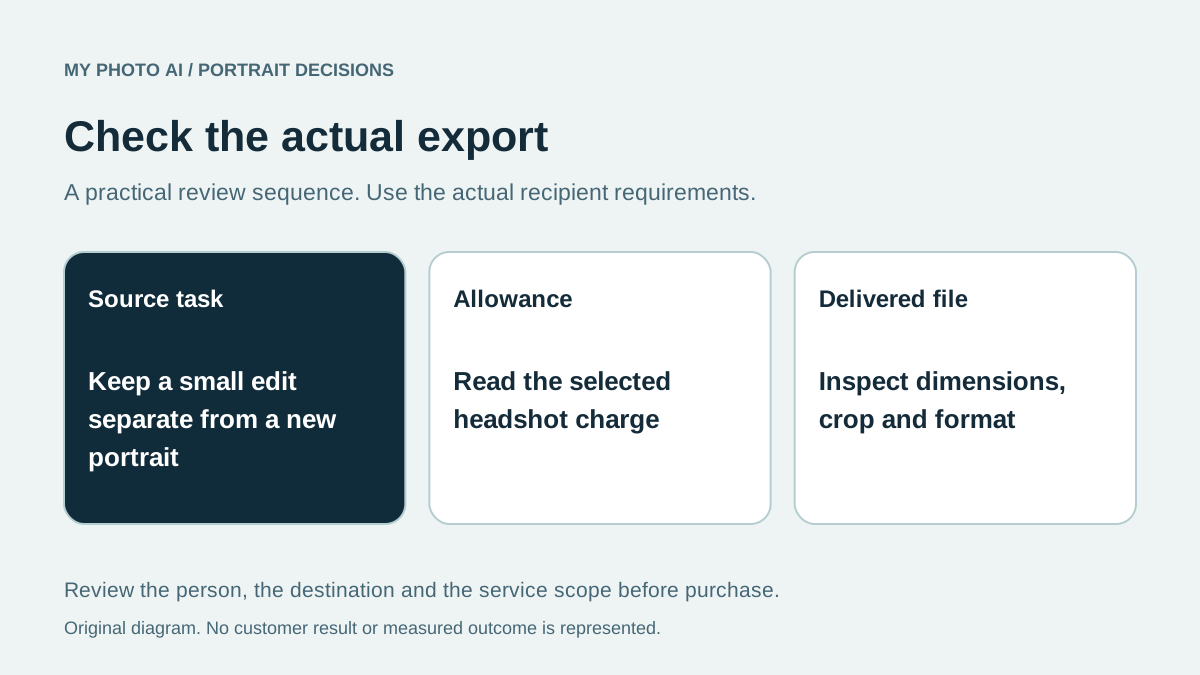
If the destination requires a specific pixel size, inspect the downloaded file and its needed crop. Do not rely on an HD label alone. The JPEG-versus-PNG guide can help when the remaining choice is a delivery format rather than a new portrait.
Read credits and feature limits together
LightX's Starter card advertises six daily AI credits, while its comparison table also contains an “up to 5” credit label and a separate headshot allowance row.2 We do not turn those labels into a guaranteed daily headshot count. Use the selected tool's current charge and export conditions to settle the actual allowance.
The page also distinguishes LightX Web from LightX API. A developer offer should not be substituted for an ordinary web-editor plan. If an API or a subscription is not part of your task, keep it out of the price comparison.
Decide whether a new portrait is needed
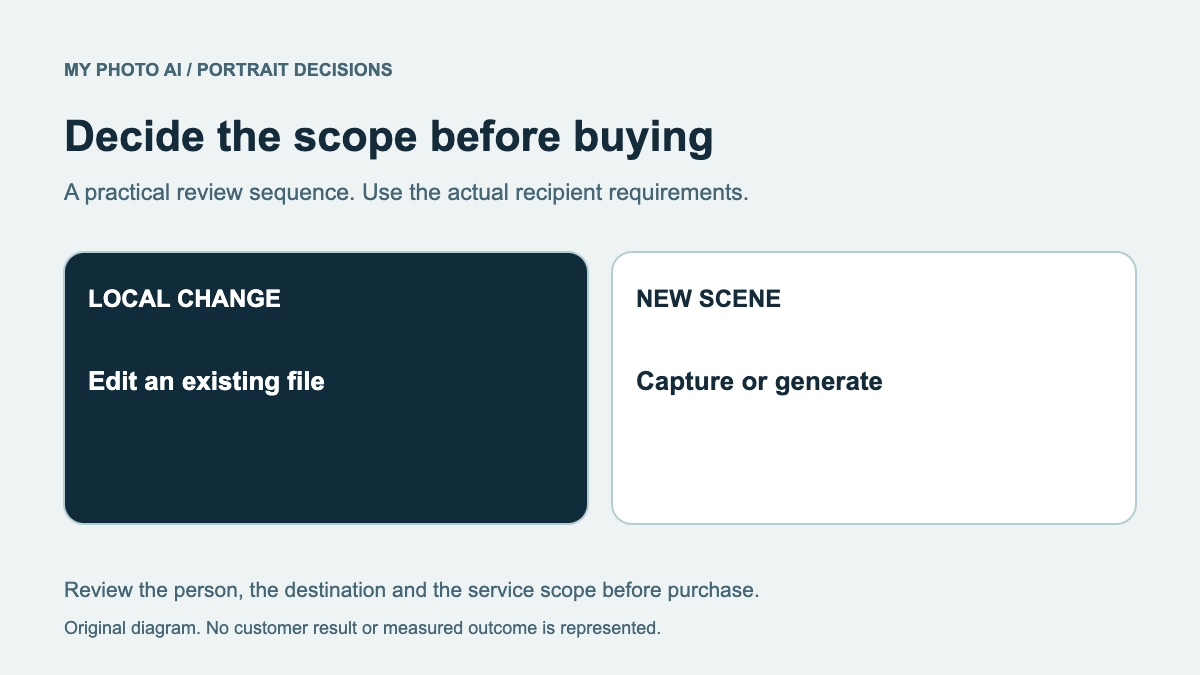
A single-photo styling tool can be relevant when you already have a clear portrait and want a different presentation. If you need only to remove a distraction or prepare a crop, first check whether a smaller edit solves the problem. The retouching guide separates those tasks.
For any generated or edited result, inspect likeness, glasses, hair edges and clothing. A wider editing suite does not prove that a particular headshot will represent you accurately, and a larger export label is not a likeness benchmark.
Compare with a MyPhotoAI shoot
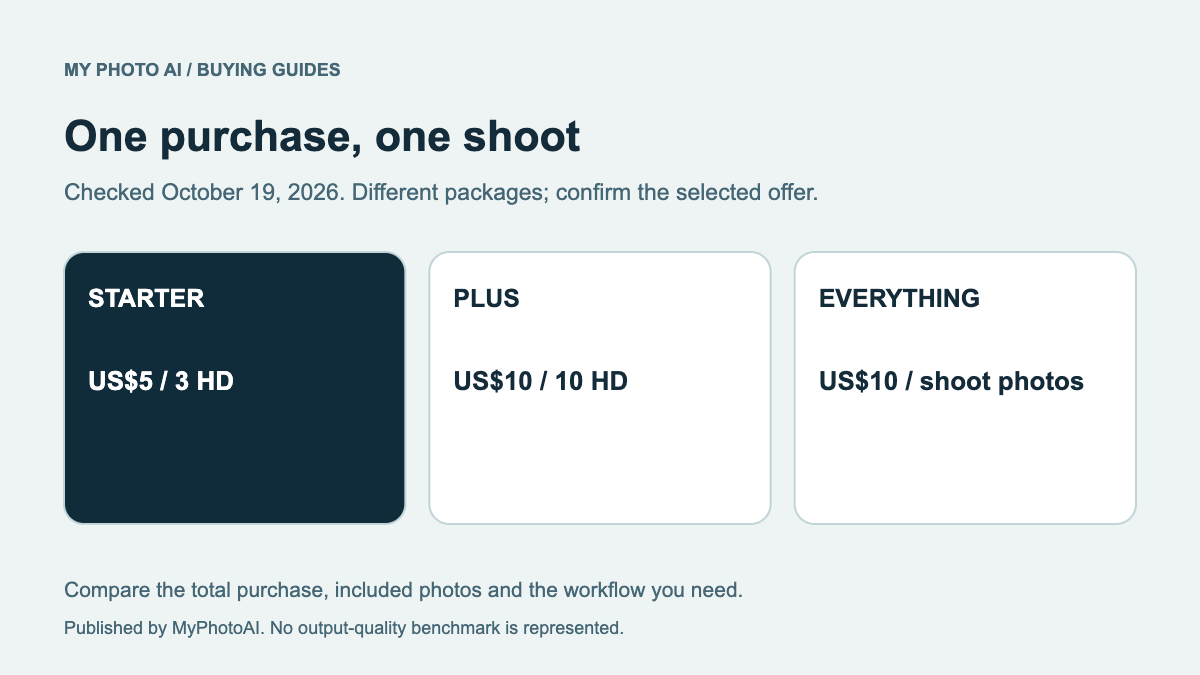
MyPhotoAI's current US offer includes 3 HD photos for US$5, 10 for US$10 or all photos from one shoot for US$10.3 Personalized generation starts after payment. There is no subscription in that offer, and another shoot is a separate purchase.
Download the export-and-credit preflight. Consider LightX when its specific tool, export and current allowance meet your needs. Consider MyPhotoAI when its one-shoot scope and available looks fit. If the original file already works, another generation may not be necessary.
Sources
- 1Single-photo headshot workflowLightX
- 2Web plan allowances and export tableLightX
- 3MyPhotoAI pricingMyPhotoAI