A software engineer does not need to buy a headshot just to replace a GitHub identicon. GitHub's profile reference describes replacing the default identicon with an image that represents you and explains how a linked Gravatar image can appear.1 A paid portrait is one possible choice, not an account requirement.
A professional-photo purchase may still be useful for LinkedIn, an employer page or a speaker biography. Treat those as named deliverables with their own requirements, rather than assuming one industry's wardrobe or pose guarantees a better hiring outcome.
This guide is published by MyPhotoAI from current GitHub and LinkedIn guidance checked October 19, 2026. It is not a recruiter study or a test of account verification.
Give every destination a real brief
| Destination | Check before commissioning a portrait | A reason not to buy yet |
|---|---|---|
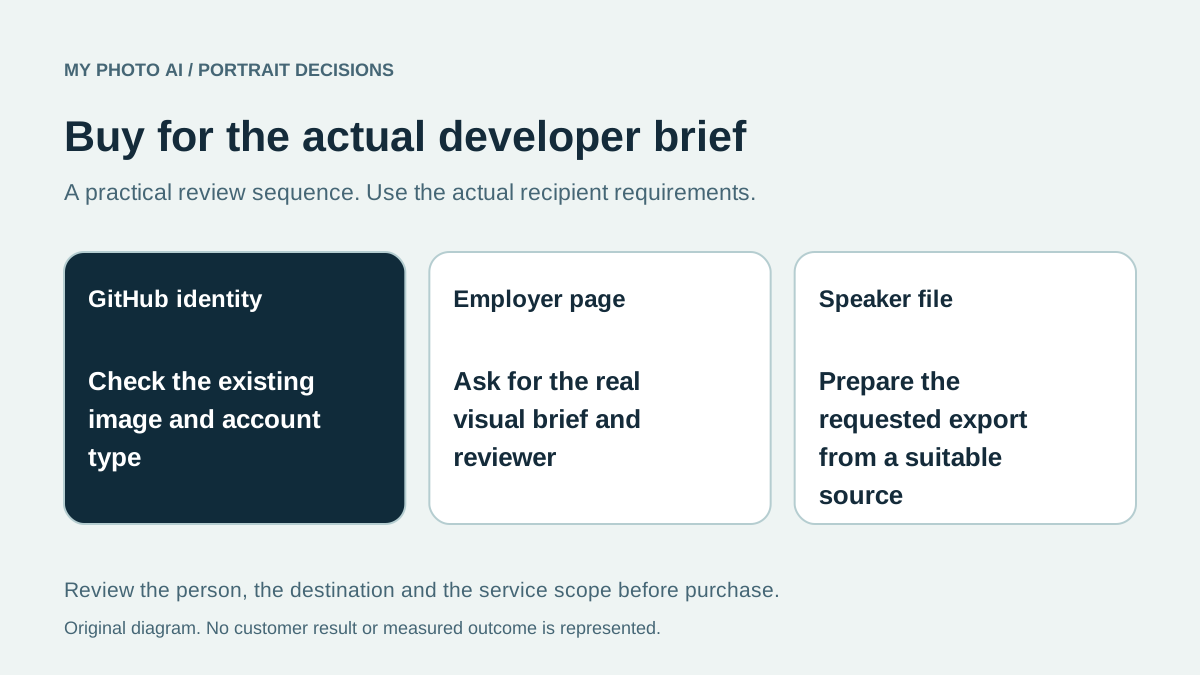
| GitHub personal profile | Existing identicon, Gravatar or chosen image; actual file requirements | The current identity image already suits your use |
| LinkedIn profile | Current recognizable likeness and intended crop | A current photo only needs reframing |
| Employer or project team page | The responsible team's actual visual brief and reviewer | A scheduled session or approved file already exists |
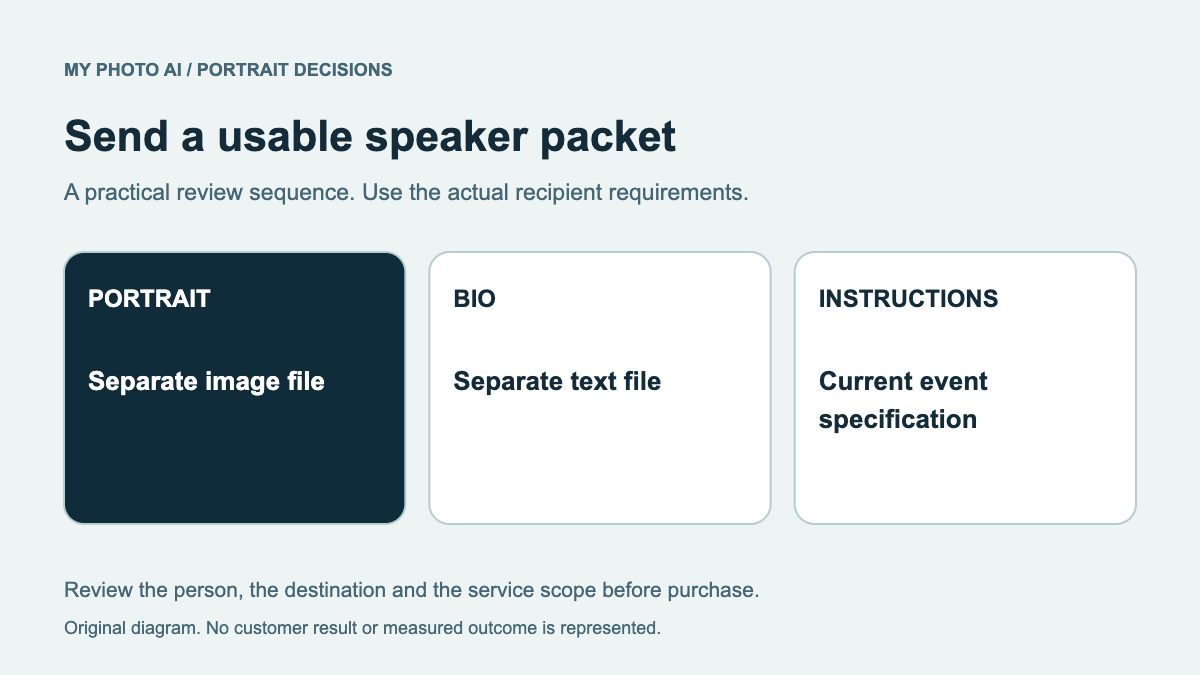
| Event or publication biography | The recipient's requested crop, file and deadline | The existing source can supply the required export |
A face photograph does not establish technical skill, seniority or whether somebody's code is genuine. Avoid buying around unsupported claims that a particular jacket, pose or degree of polish proves professional competence.
Check GitHub's actual file boundary
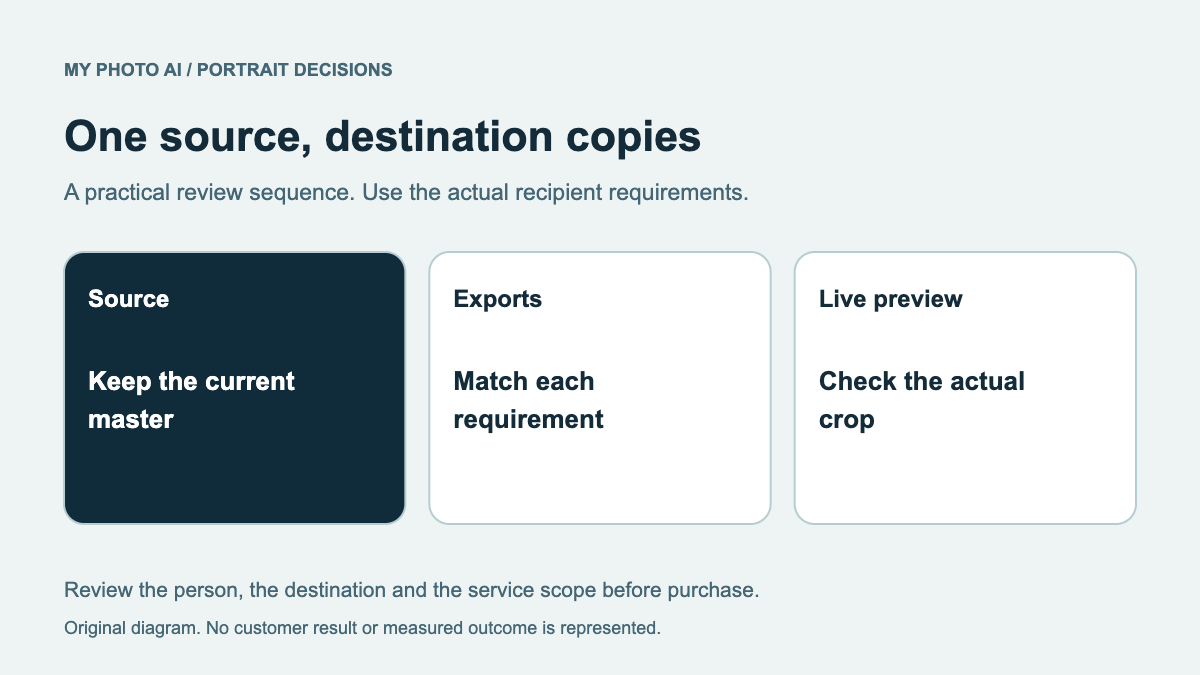
GitHub lists PNG, JPG or GIF, a file under 1 MB and dimensions smaller than 3000 by 3000 pixels, with about 500 by 500 recommended for rendering.1 Keep the maximum and recommendation separate. A large master portrait can be converted into a suitable smaller delivery copy without another generation purchase.
Its reference also notes that Enterprise Managed Users do not support Gravatar images.2 Check which account type you actually use before treating a profile-image source or account-control issue as a need for a new portrait.
Do not assume an upload proves employment, identity or a contribution history. Those are separate from choosing a profile picture.
Ask the employer and event organiser instead of guessing
For a team page, request an approved example, background and crop requirements, and the person who will sign off the file. Do not infer a universal large-tech-company photography standard from unrelated websites.
For an event, ask whether the portrait is used in a programme, on a speaker card or in print. The speaker guide helps turn those uses into a file brief. A different export can be sufficient when the underlying image is still suitable.
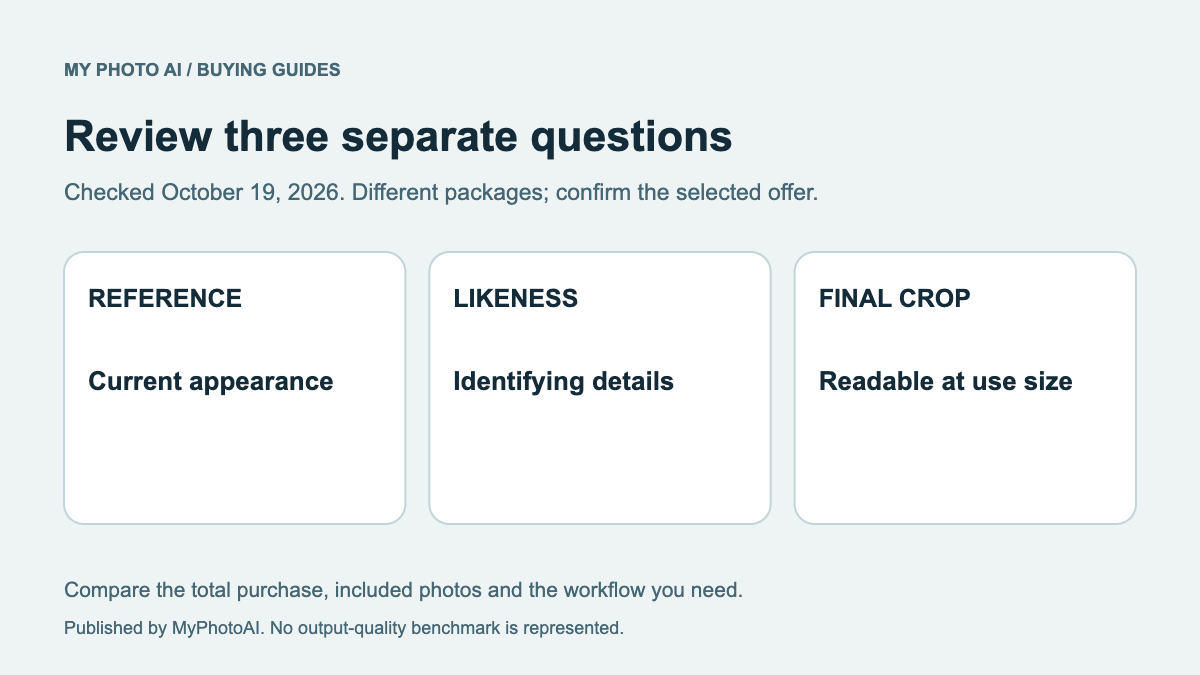
LinkedIn's photo policy requires the image to reflect your likeness, including when using an artistic rendering.3 That is not a guarantee that any specific generated candidate or employer use will be accepted. Review the actual face, not just its professional styling.
Buy for the missing portrait rather than the job title
Keep an existing approved photograph if it covers the placements. Consider a photographed session when you need a real workplace or direct control during capture. Consider generated candidates when their use is appropriate and the current sample looks fit the brief.
MyPhotoAI's current US offer includes 3 HD photos for US$5, 10 for US$10, or all photos from one shoot for US$10.4 Personalized generation starts after payment. There is no subscription in that offer, and another shoot requires another purchase.
Download the developer portrait brief. Record the real recipient, reviewer and missing source image. Use the shared-profile export guide when one suitable portrait can cover several destinations.
Sources
- 1Profile picture requirements and identity-image sourcesGitHub Docs
- 2Enterprise Managed Users and Gravatar exceptionGitHub Docs
- 3Profile photo likeness guidelinesLinkedIn Help
- 4MyPhotoAI pricingMyPhotoAI